Asset overview
Understand the setup.
Then make it your own.
Edge Cables is a Blender Geometry Nodes asset in OmniKit’s modeling collection.
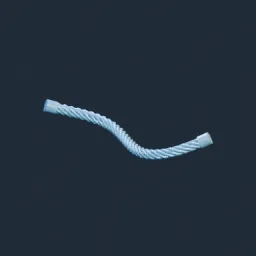
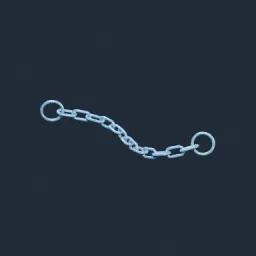
MESH / CURVES / INSTANCES: drop onto a mesh or curve; apply scale for local-unit radius and sag. Individual Edges preserves each mesh vertex as an anchor; disable for connected spans. Curve splines use their endpoints; Min/Max Length filter mesh edges only. Selection masks edges or curve splines. Droop is parabolic midpoint sag, not catenary physics or collision simulation. Direction, relative sag, seeded variation, endpoint-pinned animated sway, cable budget, taper and capped ends. Embedded BlenderKit Procedural Rubber by chroma 3D, adapted with tint/roughness/scale/bump controls; custom Cable Material overrides it. Cables and Cable Curves provide separate outputs. Cycles/Eevee supported.
Its exposed inputs include Enabled, Selection, Individual Edges, Use Input Curves, Realize Instances, Min Length, Max Length. Review the control reference below to plan a suitable setup.
Source and setup notes
Source node name: OMNI - Edge Cables
Collection: 22 Geometry Nodes/Curve/Profiles & Sweep
Structural inspection used Blender 5.2.0 LTS. Other releases and render engines require separate checks.
These source notes reference third-party materials. Redistribution rights remain under review.
How to approach this asset
- Check the source notes for the expected mesh, curve, field, shader or World context.
- Start with a disposable scene and a suitable input. Inspect required object, material or collection inputs.
- Adjust one documented control at a time. Evaluate the result before using it in a production project.