Eight ways to start
Find your creative direction.
A scene is built from a thousand small decisions. Start with the collection that fits yours.
 Illustrative collection artwork
90 review assets
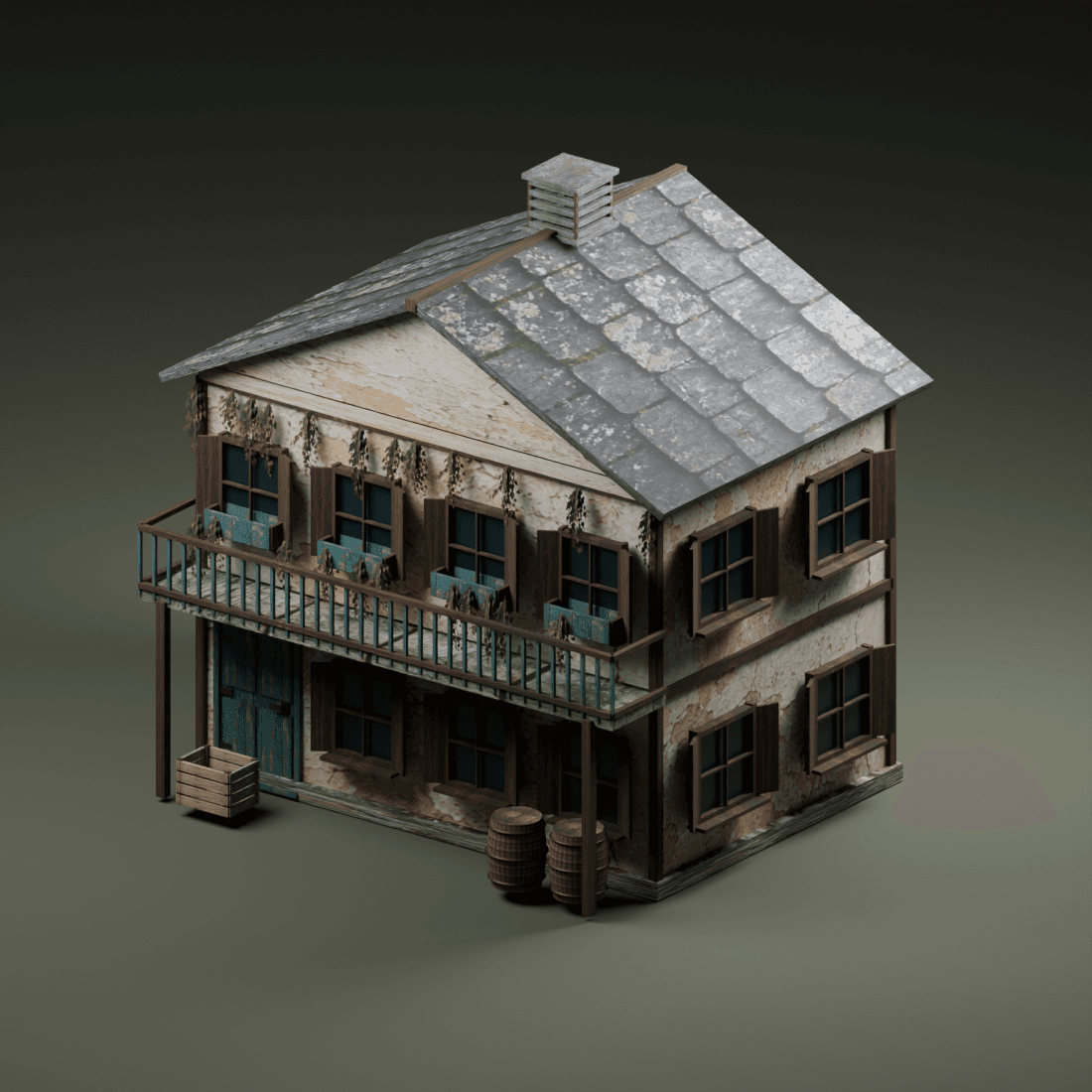
Architecture
Storefronts, towers and procedural building systems. Compare the source controls for scale, repetition and architectural detail before planning your scene.
 Illustrative collection artwork
117 review assets
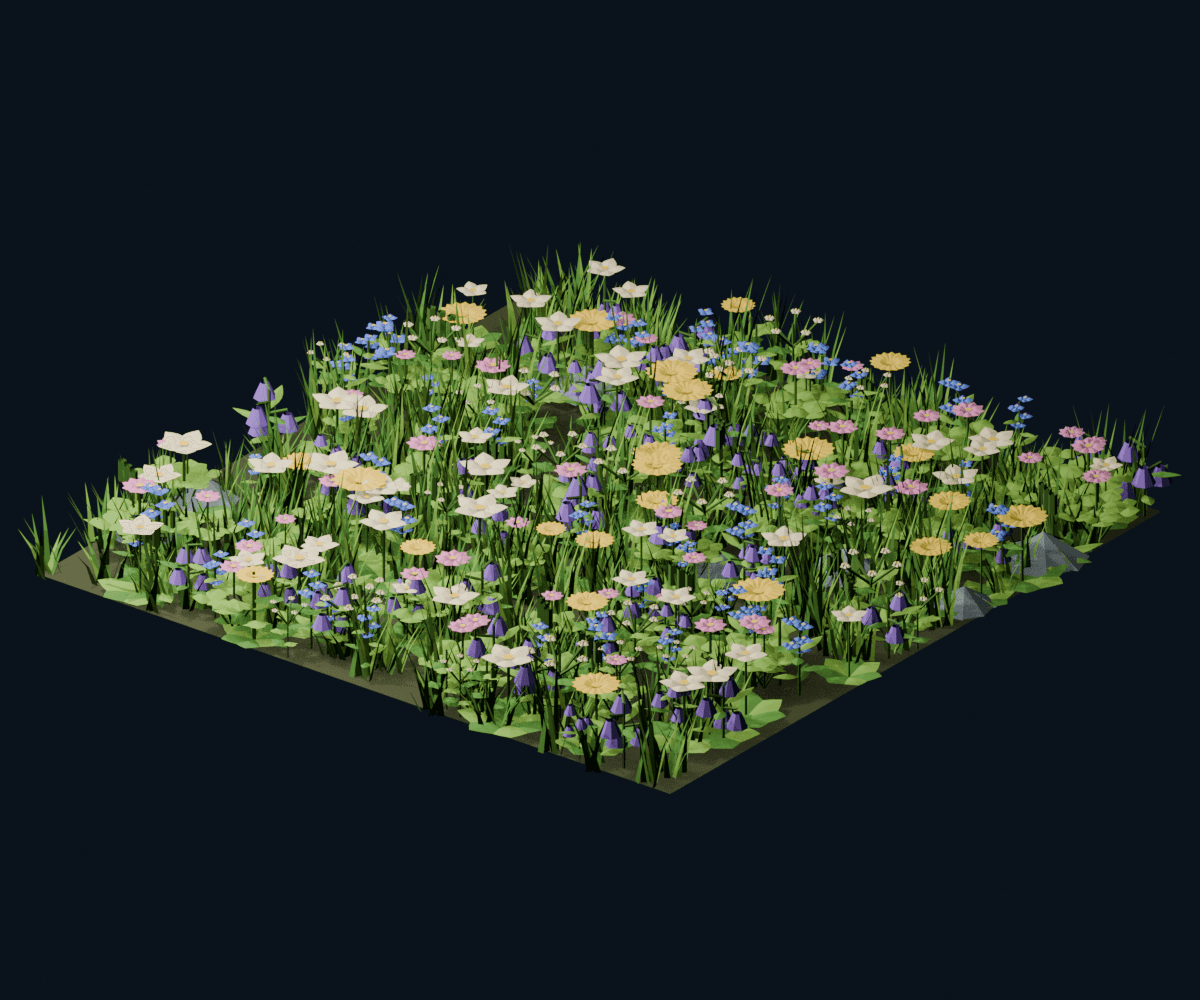
Nature
Explore foliage, terrain and environment systems. Check input geometry, distribution controls and material dependencies to find the right foundation for a living scene.
 Illustrative collection artwork
129 review assets
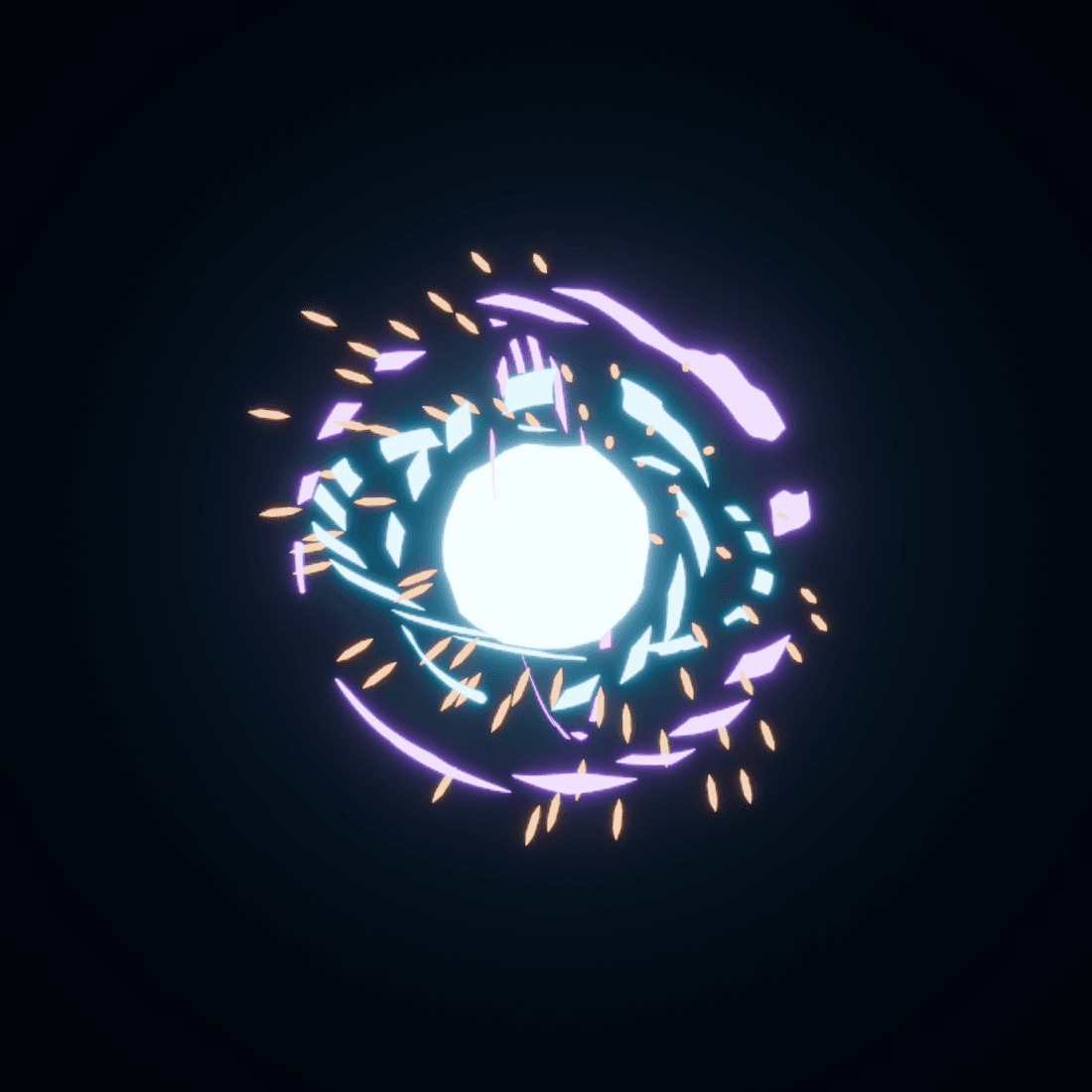
VFX
Shape a shot with procedural effects and atmosphere. Read each system’s setup context; simulation, time and compositing requirements vary between assets.
 Illustrative collection artwork
35 review assets
Materials
Browse shader-focused systems and surface tools. Inspect the node type and exposed parameters instead of assuming that concept art is an exact material sample.
 Illustrative collection artwork
27 review assets
Worlds
World presets and sky directions for Blender. These are World setups, not automatically HDR image files; inspect the source notes and lighting context.
 Illustrative collection artwork
215 review assets
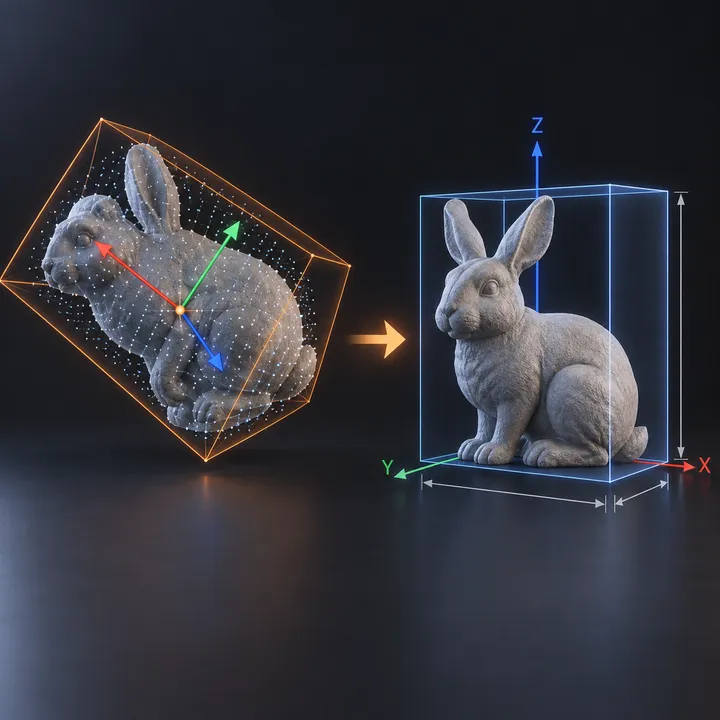
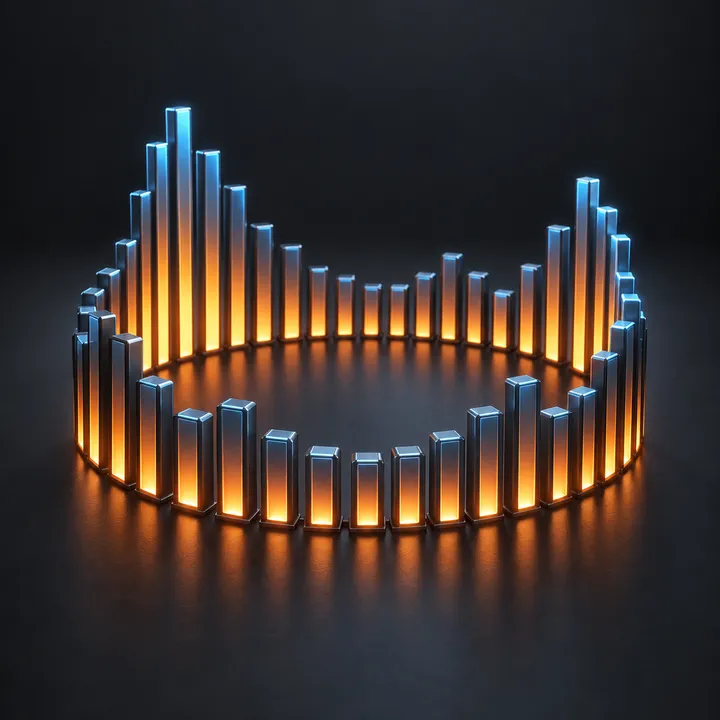
Modeling
Procedural modeling helpers for shapes, surfaces and repeatable operations. Start from the expected mesh or curve input and evaluate the result in a disposable scene.
 Illustrative collection artwork
28 review assets
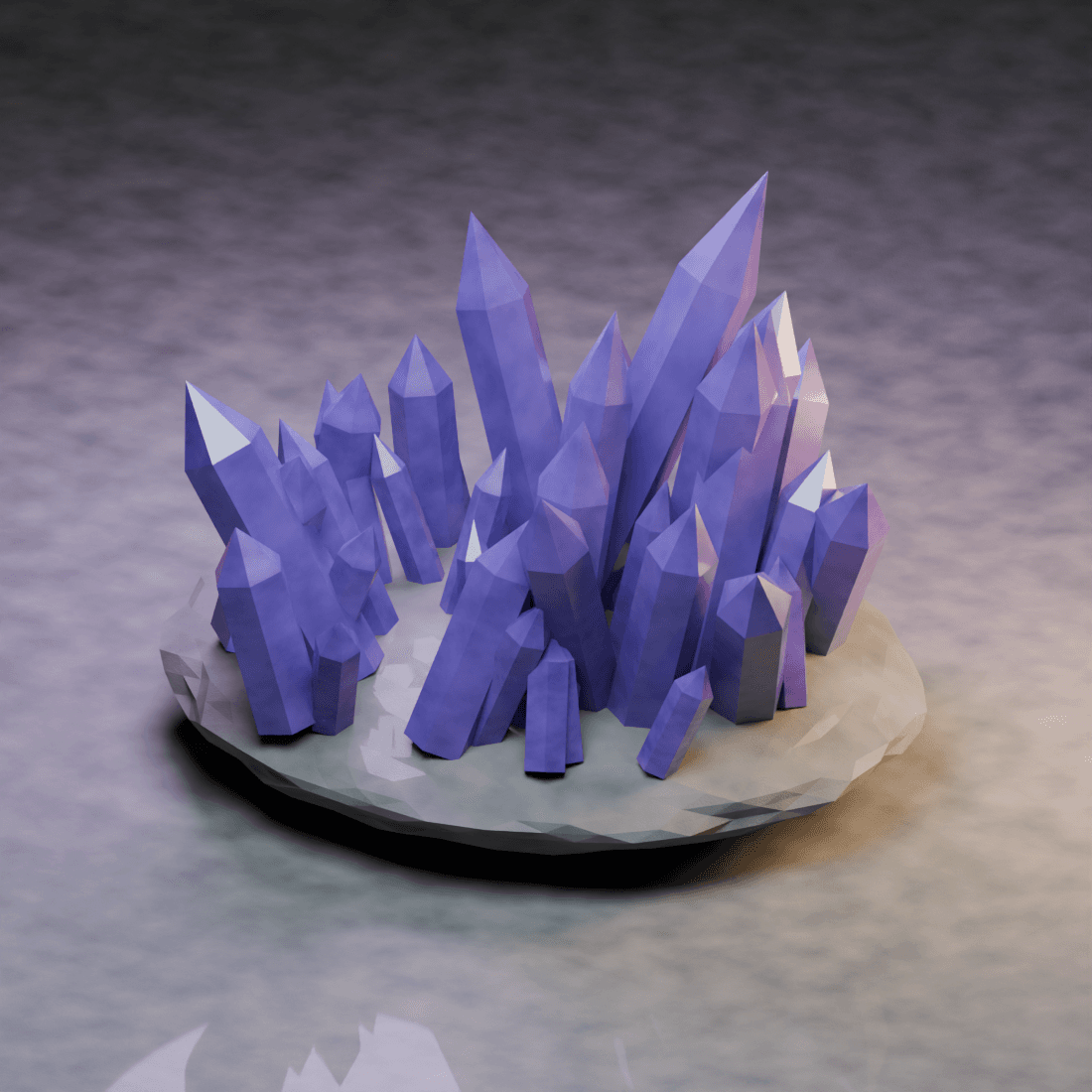
Motion
Motion-oriented node systems and animation helpers. Review the source controls for time and input requirements; a still preview does not demonstrate animation quality.
 Illustrative collection artwork
32 review assets
Utilities
Focused helpers for a procedural workflow. Find a tool by task, examine the exposed inputs, and verify it in the context of your own node setup.