Different images answer different questions
An inspiring picture can help you choose a creative direction. It cannot, by itself, tell you what a downloadable node group contains. Before judging an asset, identify how its preview was made and what configuration it represents. That distinction is especially important when shopping for procedural tools.
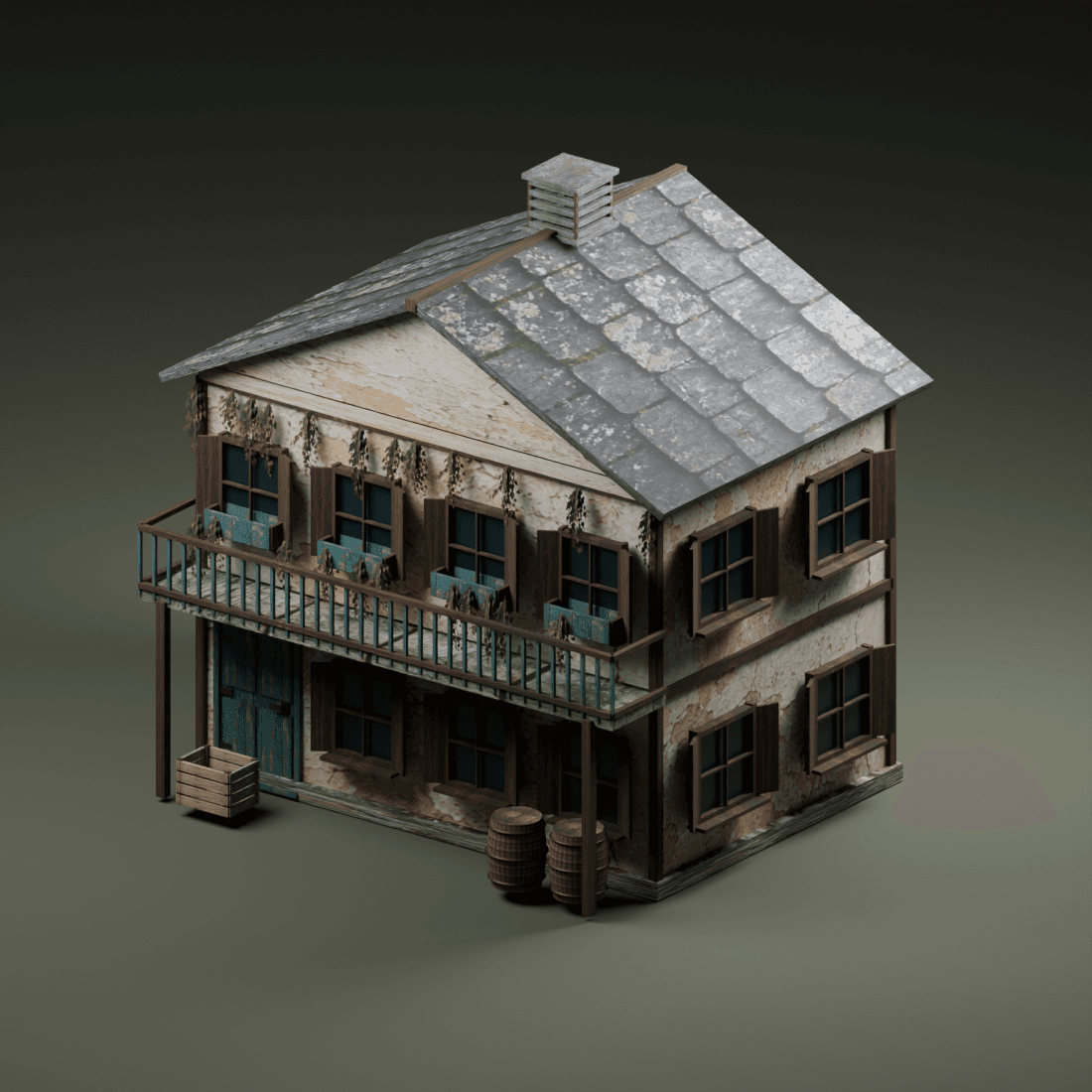
An AI concept can suggest atmosphere, palette or architectural character. It may invent details that do not exist in the source geometry. A Blender render demonstrates an actual scene, but that scene may use extra materials, manual edits, lighting or a different package version. Neither label should be treated as shorthand for a complete quality guarantee.
Read the label before comparing the artwork
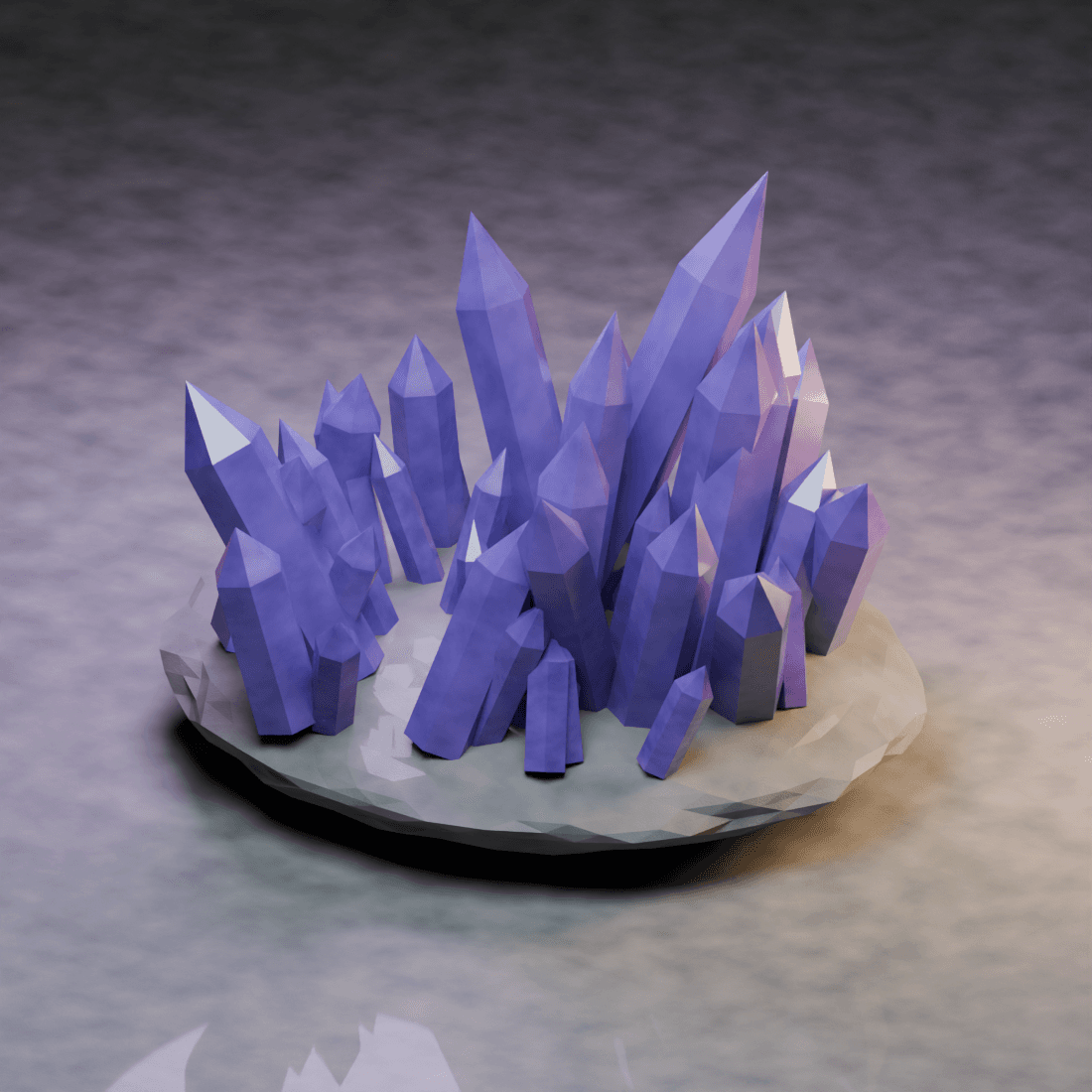
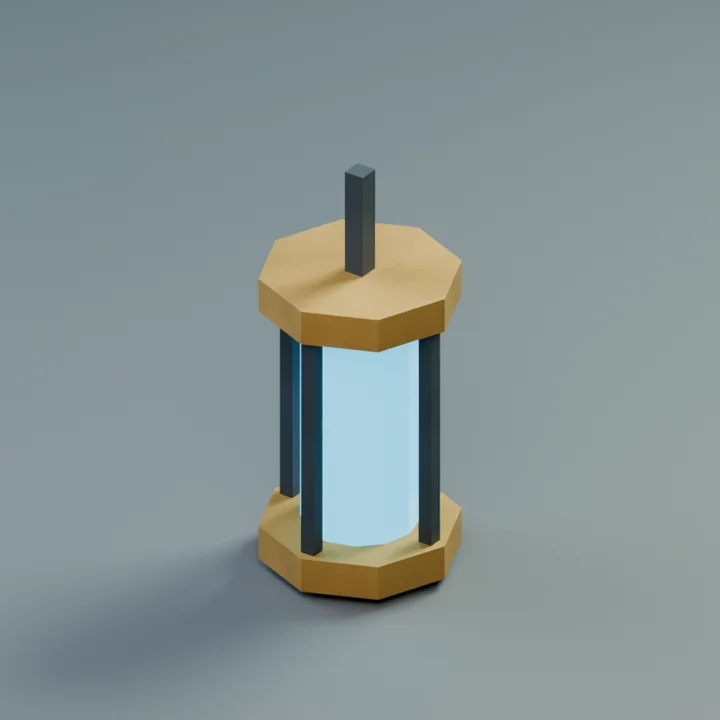
OmniKit separates AI concept illustrations, illustrative source previews, shared collection artwork, Blender source-project renders and isolated Blender test renders. Shared artwork represents a family or direction; it is not an individual render of every item carrying it.
An isolated test render shows a controlled test of a particular source configuration. It is useful evidence of geometry, but a single still does not establish animation behaviour, all parameter combinations, topology suitability or compatibility with other releases. The associated source notes are part of the evidence, not optional fine print.
Look for evidence that matches your intended use
For a close-up building shot, inspect the silhouette and depth at the distances your camera will use. For an animated effect, ask for a sequence rather than relying on one attractive frame. For a modeling helper, the meaningful evidence may be the input mesh, settings and resulting topology—not a cinematic cover.
Compare the preview with the documented controls. If the image shows a feature but the source notes do not identify how to create it, keep that feature unconfirmed. Do not assume that changing a slider will reproduce every variation suggested by marketing artwork.
- Is the image individual output, shared artwork or an AI concept?
- Which source version and settings produced the demonstrated result?
- Are extra objects, textures or manual edits needed?
- Does the evidence cover my render engine, Blender version and use case?
Make the decision with the whole asset page
Useful asset pages combine clear imagery with setup context, controls, compatibility evidence and an honest statement of what is included. A beautiful image with no technical context leaves too much uncertainty. A modest render with reproducible settings may be more valuable for a production decision.
The OmniKit catalog remains a review build. Its labelled artwork helps discovery while source quality and release readiness are checked. Use it to shortlist systems and questions, not to infer that a concept is guaranteed output or that a private package is already available for commercial download.