Design for the shot you actually need
Start with the camera, not the window count. A building seen across a valley needs a readable outline and a convincing mass. A storefront close-up needs attention around the entrance and eye-level details. Deciding the intended shot first helps you spend effort where the viewer will notice it.
Write down the building’s role in the scene: focal point, background rhythm or a repeated street module. Choose a reference for proportions and a separate reference for surface character. This prevents a procedural setup from becoming a collection of unrelated details simply because every control is available.
Block out proportions and facade rhythm
Use a simple blockout to establish height, width, roof mass and major openings. Check it from the final camera and a neutral inspection view. If the silhouette is unclear now, adding small trim will usually make the scene busier rather than solve the underlying proportion problem.
Look for a repeatable rule: a bay width, a floor height, or a deliberate spacing between openings. For a procedural system, inspect whether the exposed controls actually express those rules. Do not assume that an asset named “building generator” includes every architectural feature or produces production-ready results at every setting.
Give each detail a job
Organize details into three scales. Large forms establish the building, medium forms give the facade its rhythm, and small forms support close inspection. If a detail does not affect silhouette, shading or the story of the shot, consider leaving it out until the composition works.
Test one level of complexity at a time. Inspect object or collection dependencies and be cautious about multiplying geometry across a whole street. A default scene may be manageable while a repeated high-detail configuration becomes unnecessarily expensive for your project.
- Can I recognize the building’s role without small props?
- Are repeated elements aligned to a deliberate rhythm?
- Which details survive the intended camera distance?
- Have I tested the chosen parameters before scaling to a larger environment?
Compare source controls, then build a reproducible setup
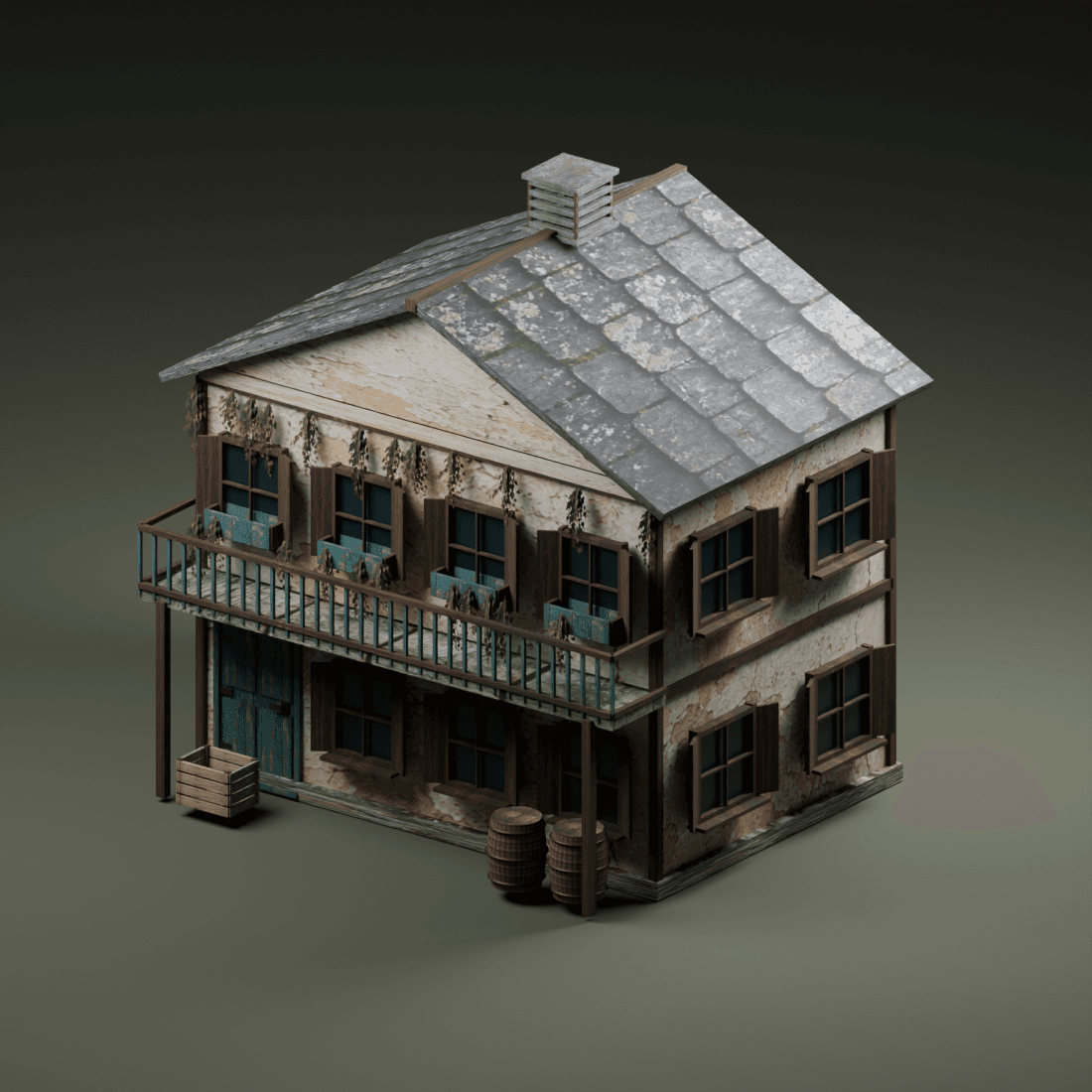
The OmniKit architecture collection lets you compare source notes and input references across buildings and props. Start with a small shortlist. Write down which controls match your brief and which requirements remain unconfirmed. A concept illustration is a direction for exploration, not a technical specification.
When working with a released source file, retain a baseline version of the setup. Record your changes and keep a simple test object available for debugging. This makes it easier to separate a source issue from a scene dependency or a change you introduced. OmniKit source files are still private during review; the current pages support planning rather than live delivery.