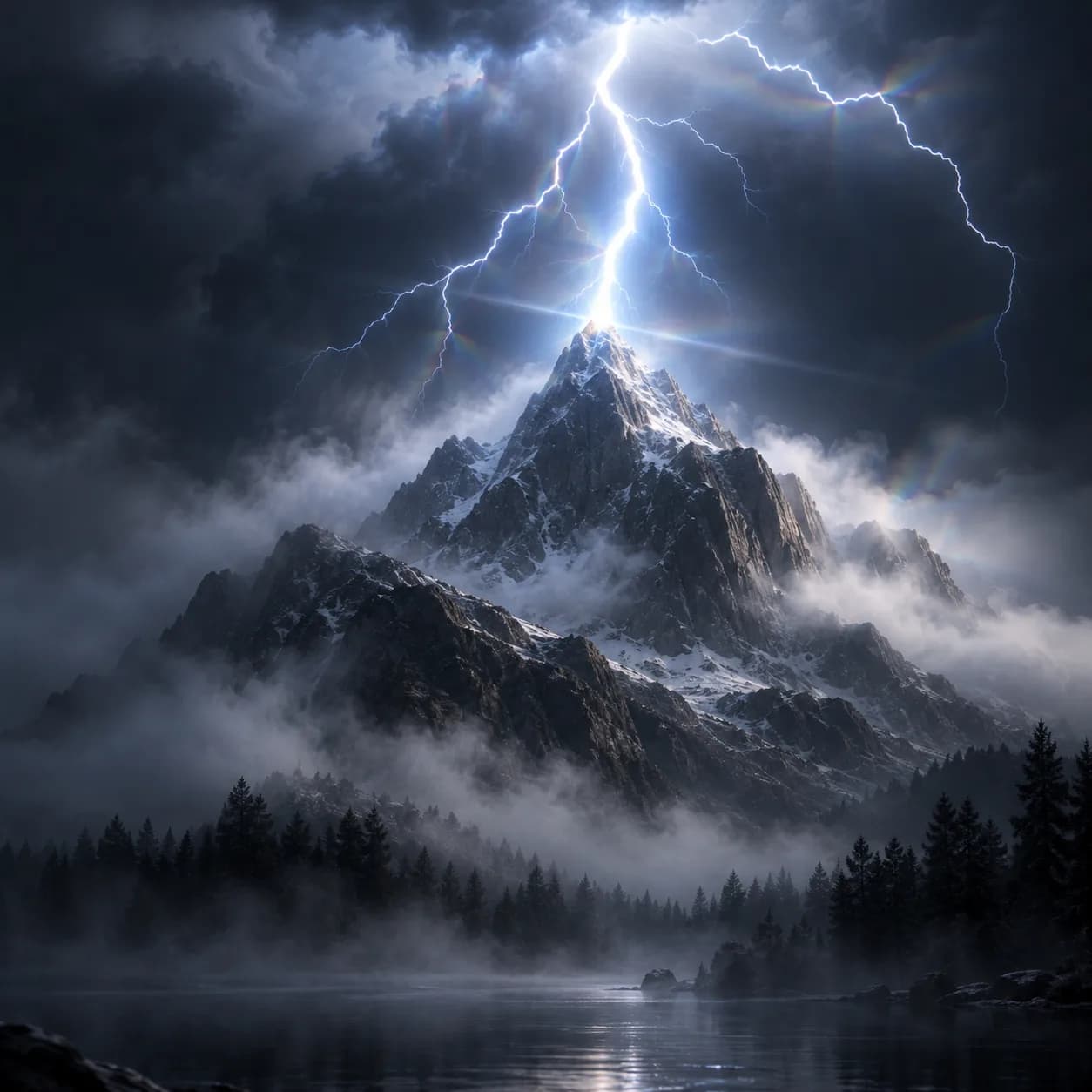
Asset overview
What this node setup does
COMPOSITOR: add inside the scene compositor; connect Render Layers Image through this group to the final Image output. | Storm compositing - streak glare on the bolt, fog glow for atmosphere, a cool lift and slight lens dispersion.
Source and setup notes
Source asset name: OMNI - Compositor - Storm
Collection:
Structural inspection used Blender 5.2.0 LTS. Other releases and render engines require separate checks.
How to approach this asset
- Check the source notes for the expected mesh, curve, field, shader or World context.
- Start with a disposable scene and a suitable input. Inspect required object, material or collection inputs.
- Adjust one documented control at a time. Evaluate the result before using it in a production project.