Asset overview
What this node setup does
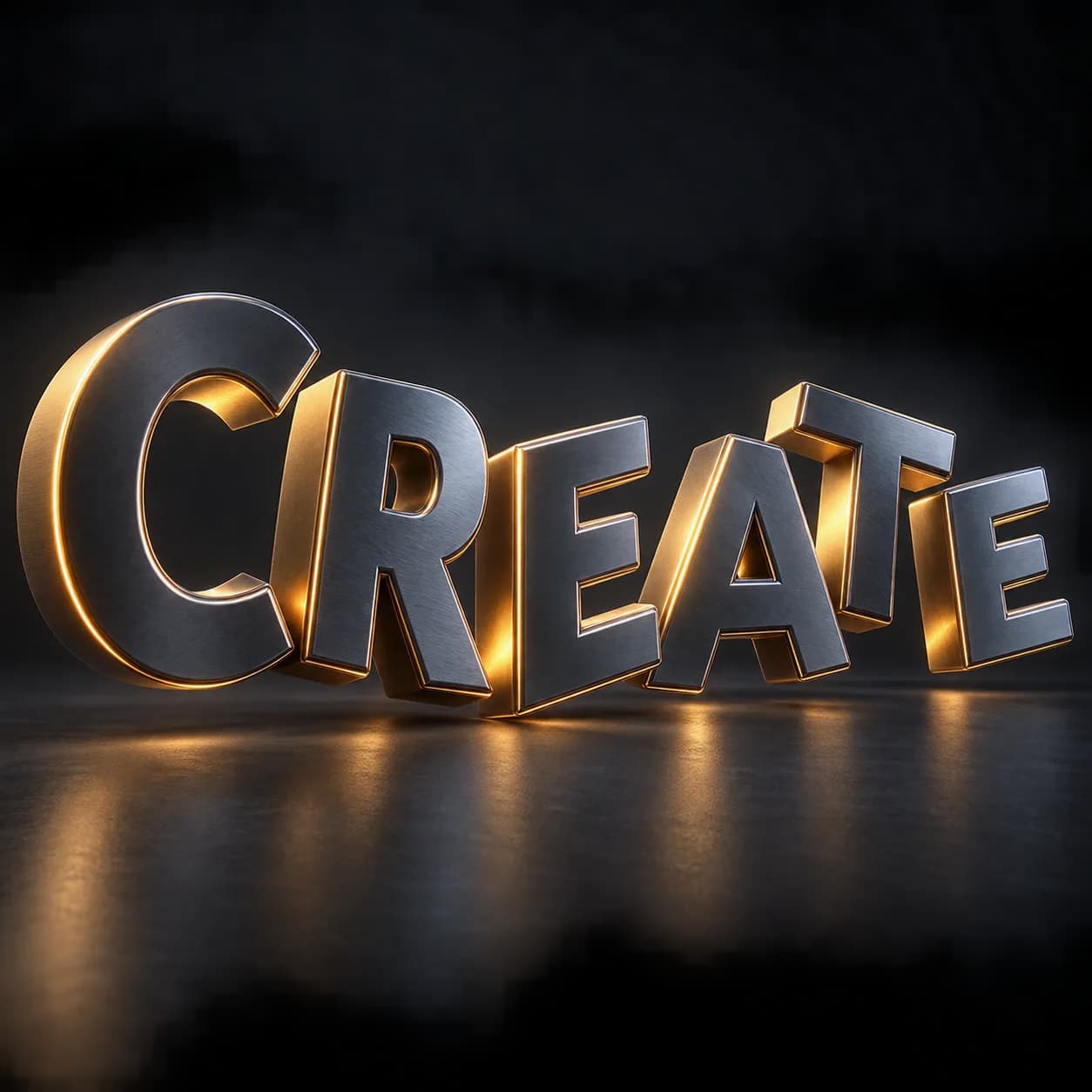
GENERATOR: drop on a mesh host to create its own geometry. The host shape is not the source; use the exposed size and shape controls. | Type On Pro - animated text that types on character by character. Order left to right, right to left, from the centre or random; ease linear, smooth, spring with overshoot, or bounce; each character rises, spins and scales into place, then exits in the same order. Three layers - a pure-math timing controller with retimeable clock, auto play and hold; a text core consuming only derived values. Max Characters is an exact cap and the font falls back when none is assigned.
Source and setup notes
Source asset name: OMNI - Type On Pro
Collection: Text & Typography/String to Curves
Structural inspection used Blender 5.2.0 LTS. Other releases and render engines require separate checks.
How to approach this asset
- Check the source notes for the expected mesh, curve, field, shader or World context.
- Start with a disposable scene and a suitable input. Inspect required object, material or collection inputs.
- Adjust one documented control at a time. Evaluate the result before using it in a production project.