BLENDER GEOMETRY NODES & PROCEDURAL ASSETS
Explore the library.
607 assets. Browse by subject, node type, subcategory and tags.
Loading the library…
BLENDER GEOMETRY NODES & PROCEDURAL ASSETS
607 assets. Browse by subject, node type, subcategory and tags.
Loading the library…
BLENDER ASSET LIBRARY
Geometry Nodes, procedural shaders and tools for your next scene.
 Illustrative preview
Utilities
Utility Nodes
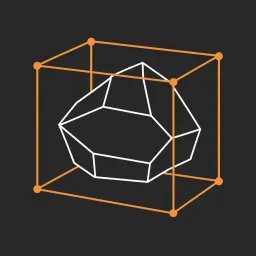
MESH / CURVE: create a renderable wire cage from local-axis bounding box. Realizes instances. Radius controls wire thickness; Keep Input includes the source geometry. | Original OM
 Illustrative preview
Utilities
Utility Nodes
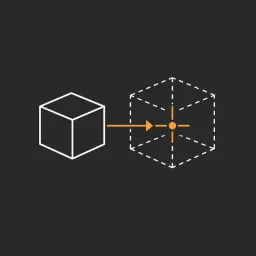
MESH / CURVE: translate geometry so its bounding-box center matches Target. Does not move the object origin. Realizes instances to include them in the bounds. | Original OMNIKIT Ut
 Illustrative preview
Utilities
Utility Nodes
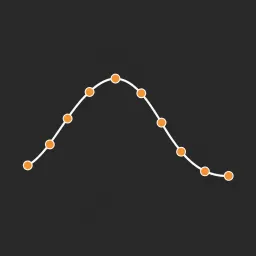
CURVE: evenly resample each spline by Count or Length. Mesh inputs are converted from edges first. Output stays a curve; add Curve Tube to render it. | Original OMNIKIT Utility Nod
 Illustrative preview
Utilities
Utility Nodes
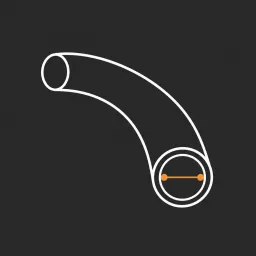
CURVE / MESH EDGES: sweep a circular profile along curves or mesh edges. Radius, Sides and Fill Caps control the tube. Outputs a mesh with an adjustable material. | Original OMNIKI
 Illustrative preview
Utilities
Utility Nodes
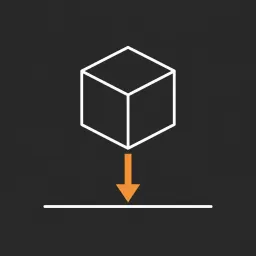
MESH / CURVE: move the lowest point to Ground Height along local Z while preserving X/Y positions. Realizes instances. | Original OMNIKIT Utility Nodes free pack. Geometry is the f
 Illustrative preview
Utilities
Utility Nodes
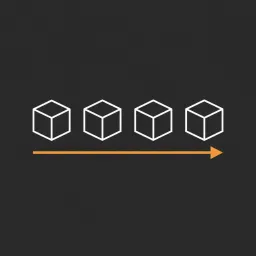
MESH / CURVE: duplicate input along Step. Count includes the first copy. Offset moves the first copy; Enable Realize for mesh processing downstream. | Original OMNIKIT Utility Node
 Illustrative preview
Utilities
Utility Nodes
MESH: weld nearby selected vertices. Distance sets the weld threshold. Enable Realize to weld across instances. This is a weld utility, not a general topology repair tool. | Origin
 Illustrative preview
Utilities
Utility Nodes
MESH: displace existing vertices along normals with centered 4D noise. Subdivide your input for smooth detail. Seed offsets noise; zero Strength preserves the input. | Original OMN
 Illustrative preview
Utilities
Utility Nodes
MESH / CURVE: duplicate input around a local XY circle. Input centered on its origin gives predictable placement. Count, Radius and Phase control the arrangement. | Original OMNIKI
 Illustrative preview
Utilities
Utility Nodes
MESH: scatter instances on faces. Default is a small orange icosphere; enable Use Object and assign Source Object for your asset. Density, Seed and Scale control the distribution.
Showing 10 of 10 assets · All assets loaded