Asset overview
Understand the setup.
Then make it your own.
Building Pro is a Blender Geometry Nodes asset in OmniKit’s buildings collection.
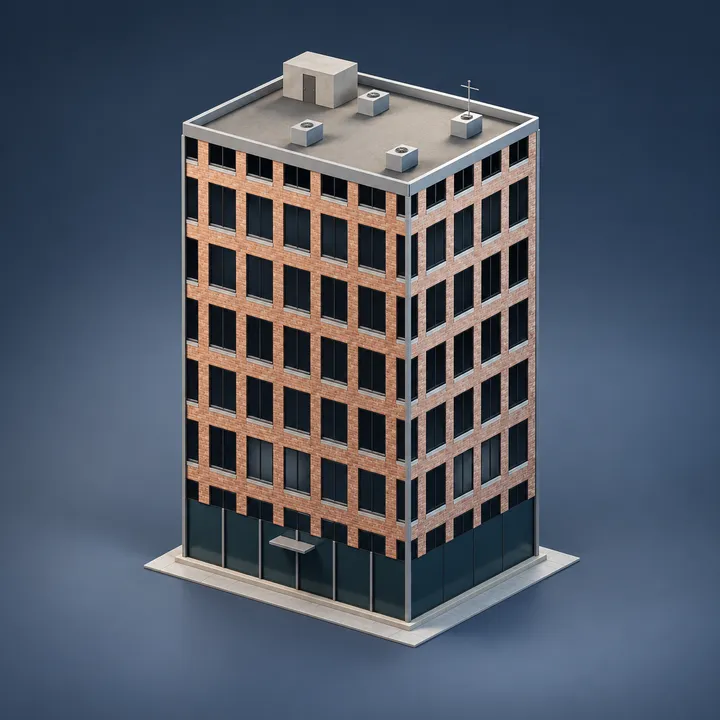
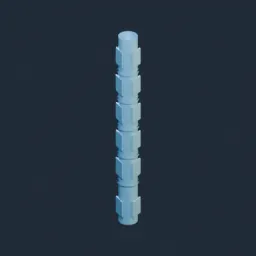
CURVE OR EDGE MESH: drop on a curve or mesh edge path. Building Pro needs a closed footprint; Wiggle Cable needs an open guide. Play from the simulation start for dynamics. | Building Pro - a whole building from a footprint curve. The perimeter is divided into whole bays so windows are never stretched, the ground floor gets its own height, and every upper storey stacks on top with one window per bay facing outward along its own wall. Window width is clamped against the bay minus the corner margin and window height against the storey minus the sill, so no setting can push a window through a wall. Parapet on the roof. Three layers - a pure-math massing controller that derives every dimension and flags the face budget; a shell core; a detail core.
Its exposed inputs include Storeys, Storey Height, Ground Height, Parapet, Bay Width, Window Width, Window Height. Review the control reference below to plan a suitable setup.
Source and setup notes
Source node name: OMNI - Building Pro
Collection: 22 Geometry Nodes/Modeling/Architecture & Modular
Structural inspection used Blender 5.2.0 LTS. Other releases and render engines require separate checks.
How to approach this asset
- Check the source notes for the expected mesh, curve, field, shader or World context.
- Start with a disposable scene and a suitable input. Inspect required object, material or collection inputs.
- Adjust one documented control at a time. Evaluate the result before using it in a production project.