Asset overview
Understand the setup.
Then make it your own.
City Pro is a Blender Geometry Nodes asset in OmniKit’s buildings collection.
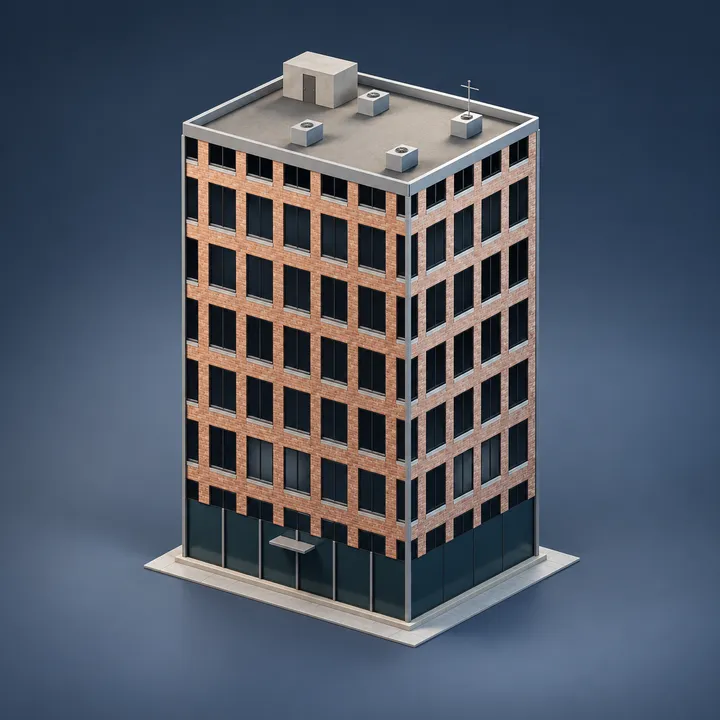
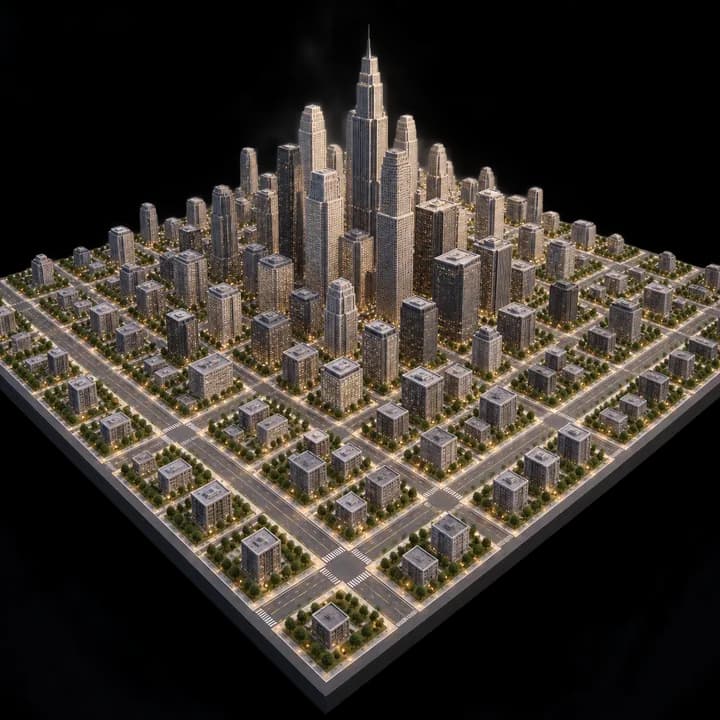
GENERATOR: drop on a mesh host to create its own geometry. The host shape is not the source; use the exposed size and shape controls. | City Pro - a skyscraper city from overall Width, Depth and Lot Size: a grid of lots with roads cut every few lots, building heights snapped to whole floors and weighted toward downtown, footprints shrunk by road width and a per-lot gap, and setback tiers stacked on the taller towers. Three layers - a pure-math block controller that derives lot counts and the height band and flags when the city exceeds the face budget; a building core consuming only derived counts. Pairs with Traffic Pro on the road curves.
Its exposed inputs include Width, Depth, Lot Size, Road Width, Block Lots, Seed, Height. Review the control reference below to plan a suitable setup.
Source and setup notes
Source node name: OMNI - City Pro
Collection: 22 Geometry Nodes/Modeling/Architecture & Modular
Structural inspection used Blender 5.2.0 LTS. Other releases and render engines require separate checks.
How to approach this asset
- Check the source notes for the expected mesh, curve, field, shader or World context.
- Start with a disposable scene and a suitable input. Inspect required object, material or collection inputs.
- Adjust one documented control at a time. Evaluate the result before using it in a production project.