Asset overview
What this node setup does
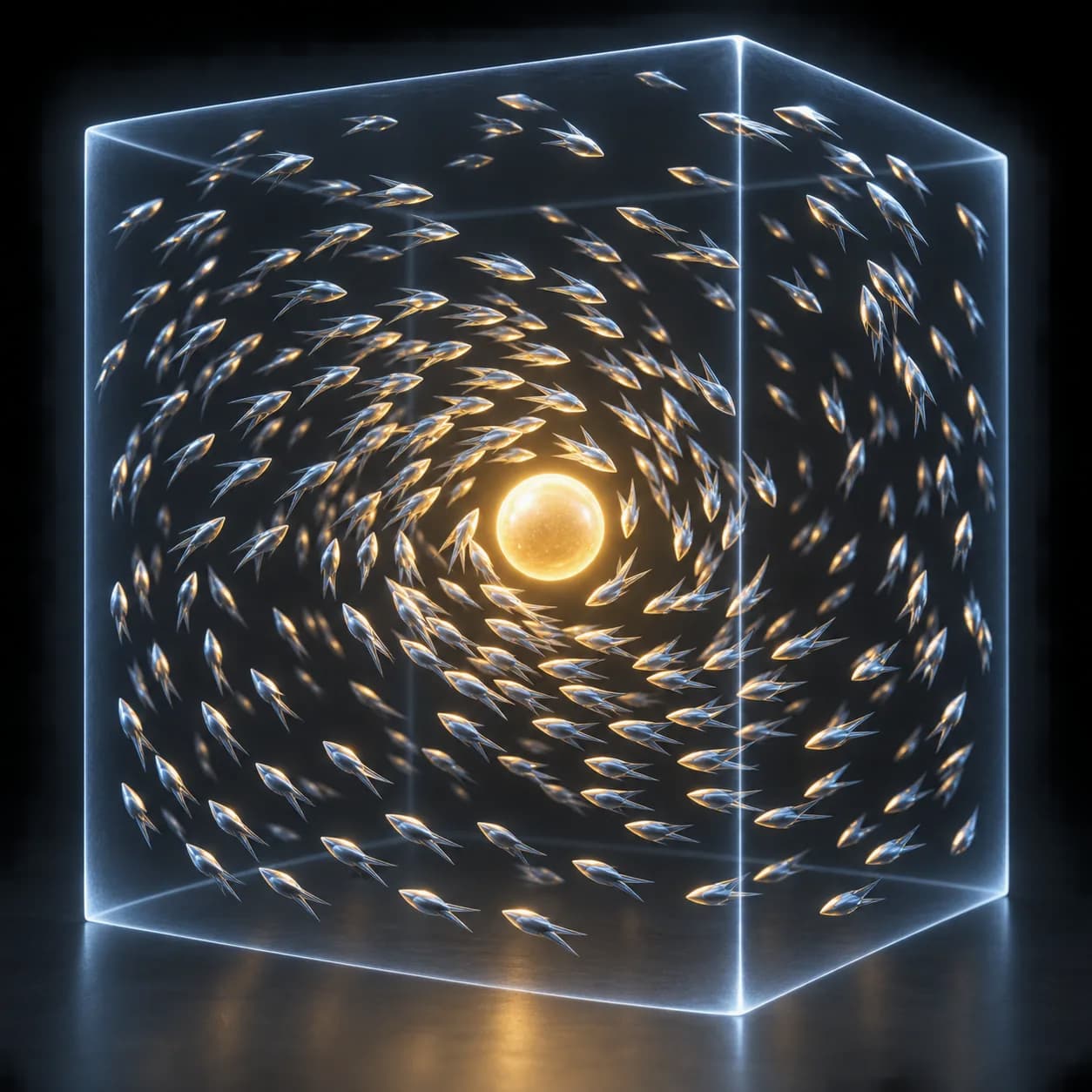
GENERATOR: drop on a mesh host to create its own geometry. The host shape is not the source; use the exposed size and shape controls. | Flock Pro - boids with separation, alignment and cohesion, plus a target pull and soft walls that turn the flock back inside its bounds. Neighbours are found with a spatial hash so cost stays linear. Three layers - a pure-math behaviour controller where one Energy slider scales every steering weight and Max Boids caps the count; a simulation core that only consumes derived values. Boids face their direction of travel and carry NF_boid_speed for shading.
Source and setup notes
Source asset name: OMNI - Flock Pro
Collection: Physics & Solvers/Particles & Forces
Structural inspection used Blender 5.2.0 LTS. Other releases and render engines require separate checks.
How to approach this asset
- Check the source notes for the expected mesh, curve, field, shader or World context.
- Start with a disposable scene and a suitable input. Inspect required object, material or collection inputs.
- Adjust one documented control at a time. Evaluate the result before using it in a production project.