Asset overview
What this node setup does
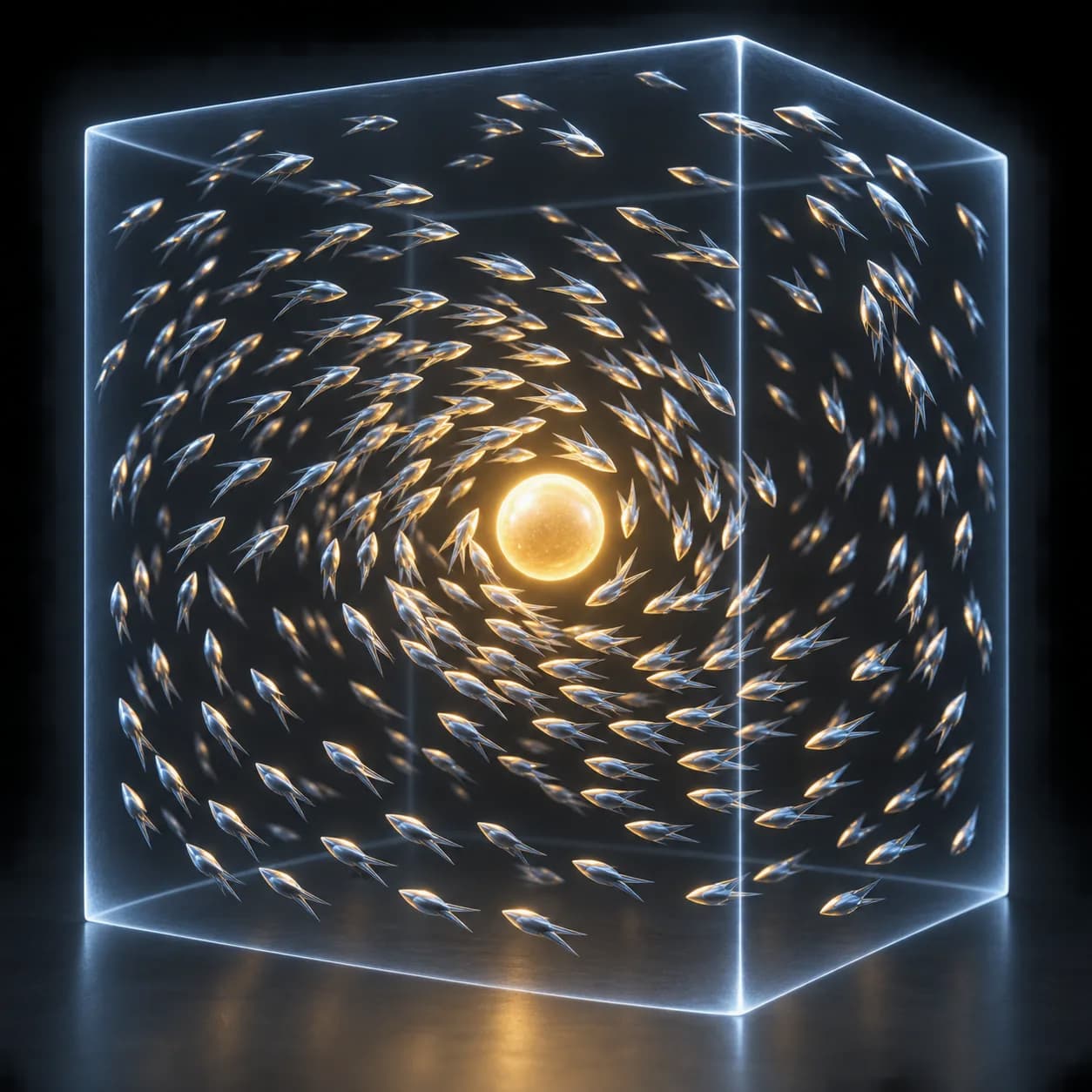
MESH INPUT: drop on a mesh, or feed mesh geometry to Emitter. Apply object scale for predictable distances. Simulation: play sequentially from the start frame; reset/bake caches after source changes. | Fluid sim - particles that actually push each other apart, pull together and share velocity, so the result behaves as liquid rather than dust. Fill any mesh with it, collide against the floor and any collider object, and show it as spheres, points or a meshed surface.
Source and setup notes
Source asset name: OMNI - Fluid Sim
Collection: Physics & Solvers/Particles & Forces
Structural inspection used Blender 5.2.0 LTS. Other releases and render engines require separate checks.
How to approach this asset
- Check the source notes for the expected mesh, curve, field, shader or World context.
- Start with a disposable scene and a suitable input. Inspect required object, material or collection inputs.
- Adjust one documented control at a time. Evaluate the result before using it in a production project.