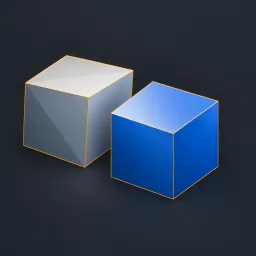
Asset overview
What this node setup does
MESH INPUT. Snaps vertices to a rotated local grid. Mode 0=nearest (half steps toward positive), 1=floor, 2=ceil. Step components are positive spacing; near-zero values clamp to 1e-5. Toggle each grid-space axis. Strength blends positions; Limit Distance filters by full snap displacement. Optional merge affects selected influenced vertices only. Can collapse faces or create intersections; not remeshing or quad retopology. Materials retained; Bypass restores original topology. See Precision Modeling Examples scene. AI preview is illustrative.
Source and setup notes
Source asset name: OMNI - Grid Snap Pro
Collection: 07 Utilities/Modeling Tools
Structural inspection used Blender 5.2.0 LTS. Other releases and render engines require separate checks.
How to approach this asset
- Check the source notes for the expected mesh, curve, field, shader or World context.
- Start with a disposable scene and a suitable input. Inspect required object, material or collection inputs.
- Adjust one documented control at a time. Evaluate the result before using it in a production project.