Asset overview
What this node setup does
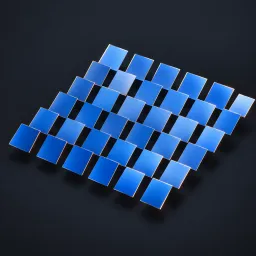
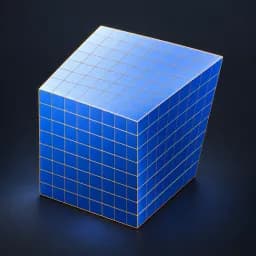
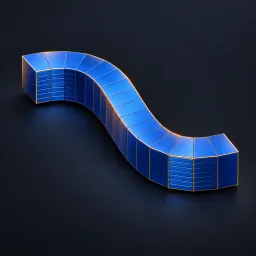
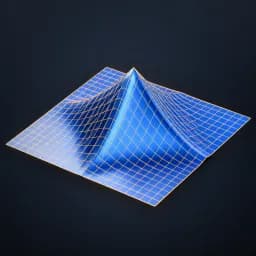
MESH INPUT. Soft move based on shortest paths along edges from the vertex nearest Handle Position. Only that connected island moves. Radius is path distance in local units; denser triangulations may reduce grid-direction bias. Move, normal offset, mask and strength blend deformation. Writes omni_geodesic_weight. Graph approximation, not a heat-method or exact continuous geodesic solver. Materials retained; Bypass restores original topology. See Surface Modeling Examples scene. AI preview is illustrative.
Source and setup notes
Source asset name: OMNI - Geodesic Move Pro
Collection: 07 Utilities/Modeling Tools
Structural inspection used Blender 5.2.0 LTS. Other releases and render engines require separate checks.
How to approach this asset
- Check the source notes for the expected mesh, curve, field, shader or World context.
- Start with a disposable scene and a suitable input. Inspect required object, material or collection inputs.
- Adjust one documented control at a time. Evaluate the result before using it in a production project.