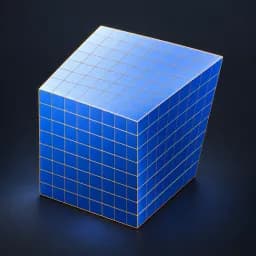
Asset overview
What this node setup does
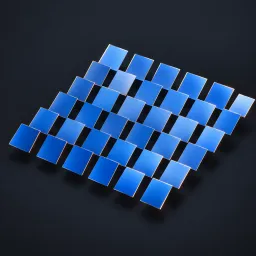
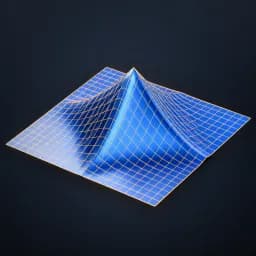
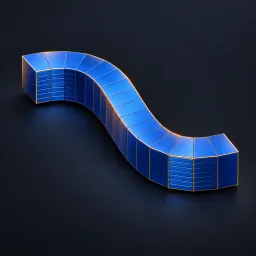
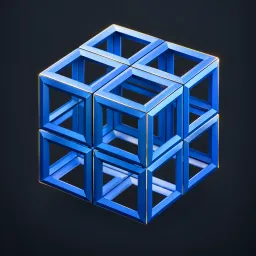
MESH INPUT. Eight-corner trilinear lattice warp. Auto Fit uses input bounds; otherwise Cage Center/Size are local units. Corner XYZ digits identify low(0)/high(1) cage coordinates. Corner values are displacement vectors. Clamp Outside extends boundary offsets outside the cage; disabling extrapolates. Optional subdivision; preserves input material assignments. Not a harmonic/elastic solver. Bypass restores input. See Advanced Modeling Examples scene. AI preview is illustrative.
Source and setup notes
Source asset name: OMNI - Lattice Warp Pro
Collection: 07 Utilities/Modeling Tools
Structural inspection used Blender 5.2.0 LTS. Other releases and render engines require separate checks.
How to approach this asset
- Check the source notes for the expected mesh, curve, field, shader or World context.
- Start with a disposable scene and a suitable input. Inspect required object, material or collection inputs.
- Adjust one documented control at a time. Evaluate the result before using it in a production project.