Asset overview
What this node setup does
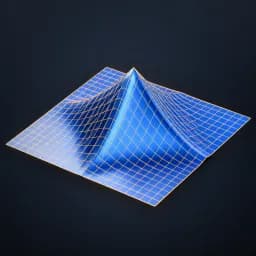
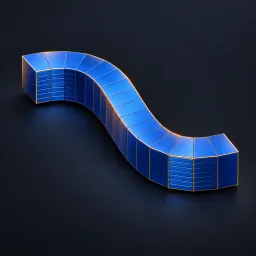
MESH INPUT. Corrugates the supplied mesh using a directional periodic sine/triangle blend. Wavelength is local distance, Phase is cycles. Displaces along original normals or a fixed direction; Mask limits influence. Use a dense mesh: at least 8 vertices per wavelength recommended. Unlike Fold Pro this deforms your mesh, not a generated sheet. Does not conserve surface area, add thickness or prevent intersections. Materials retained. See Advanced Modeling Examples scene. AI preview is illustrative.
Source and setup notes
Source asset name: OMNI - Surface Pleat Pro
Collection: 07 Utilities/Modeling Tools
Structural inspection used Blender 5.2.0 LTS. Other releases and render engines require separate checks.
How to approach this asset
- Check the source notes for the expected mesh, curve, field, shader or World context.
- Start with a disposable scene and a suitable input. Inspect required object, material or collection inputs.
- Adjust one documented control at a time. Evaluate the result before using it in a production project.