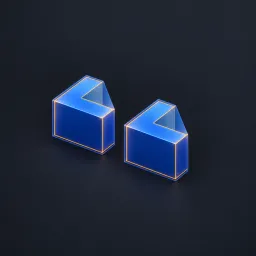
Asset overview
What this node setup does
MESH INPUT. Creates one convex hull per disconnected vertex island, or one hull for the entire mesh. Hull Scale expands around each hull bounding-box center; not a fixed-distance margin. Generates proxy meshes with an embedded/custom material and omni_hull_id. Convex hulls fill concavities and holes; this is not convex decomposition of a connected object or automatic collider export. Degenerate coplanar/line islands cannot produce closed volumetric hulls. Bypass restores source. See Precision Modeling Examples scene. AI preview is illustrative.
Source and setup notes
Source asset name: OMNI - Island Hull Pro
Collection: 07 Utilities/Modeling Tools
Structural inspection used Blender 5.2.0 LTS. Other releases and render engines require separate checks.
How to approach this asset
- Check the source notes for the expected mesh, curve, field, shader or World context.
- Start with a disposable scene and a suitable input. Inspect required object, material or collection inputs.
- Adjust one documented control at a time. Evaluate the result before using it in a production project.