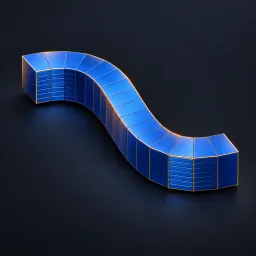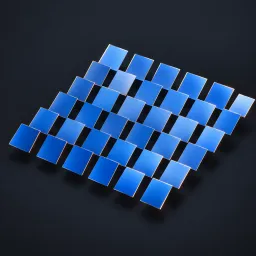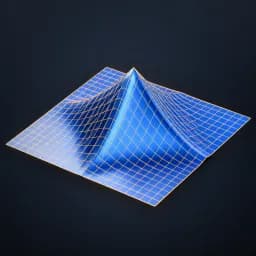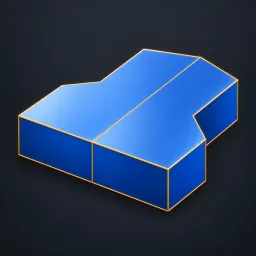
Asset overview
What this node setup does
CLOSED MANIFOLD MESH INPUT. Axis 0=X, 1=Y, 2=Z. Exact boolean keeps one side of Plane Offset, removes cut-plane caps, reflects it with corrected face winding and welds only plane vertices. Keep Positive chooses source side. Disable Show Both Halves for the cut half (open at plane). Seam Tolerance is local units. Faces already on the plane may also be removed. Not intended for open sheets or self-intersecting meshes. Materials retained. See Surface Modeling Examples scene. AI preview is illustrative.
Source and setup notes
Source asset name: OMNI - Mirror Seam Pro
Collection: 07 Utilities/Modeling Tools
Structural inspection used Blender 5.2.0 LTS. Other releases and render engines require separate checks.
How to approach this asset
- Check the source notes for the expected mesh, curve, field, shader or World context.
- Start with a disposable scene and a suitable input. Inspect required object, material or collection inputs.
- Adjust one documented control at a time. Evaluate the result before using it in a production project.