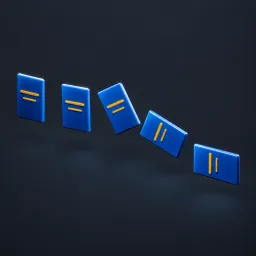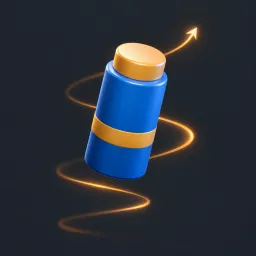
Asset overview
What this node setup does
MESH PRODUCT INPUT. Repeats the entire product around a rotating circular display. Radius, count, scale, yaw and phase-offset bob are editable. Products centered on their input bounds; local +X is outward when Face Outward enabled. Period seconds; angles radians. Stateless continuous loop, original materials retained. Copies may intersect; no collision solver. Writes omni_copy_index on realized copies. See Product Motion Examples scene. AI preview is illustrative.
Source and setup notes
Source asset name: OMNI - Orbit Showcase Pro
Collection: 08 Motion Graphics/Product Animation
Structural inspection used Blender 5.2.0 LTS. Other releases and render engines require separate checks.
How to approach this asset
- Check the source notes for the expected mesh, curve, field, shader or World context.
- Start with a disposable scene and a suitable input. Inspect required object, material or collection inputs.
- Adjust one documented control at a time. Evaluate the result before using it in a production project.