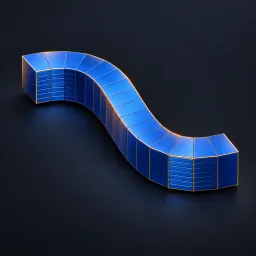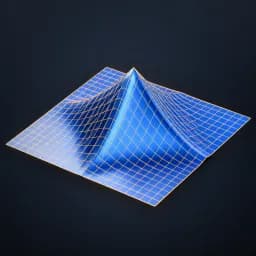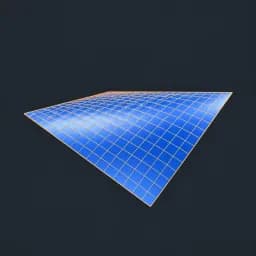
Asset overview
What this node setup does
MESH HOST. Generates a four-sided quad patch from Corner 00/10/01/11. Bows are displacement vectors at edge midpoints; Interior Bow affects only the interior. Quadratic-boundary Coons-style interpolation with a zero-boundary fullness term. Not an arbitrary N-sided research patch or automatic hole fill. Corner ordering must be consistent; folded inputs can self-intersect. Open zero-thickness surface. Embedded material or custom override. Bypass restores host. See Precision Modeling Examples scene. AI preview is illustrative.
Source and setup notes
Source asset name: OMNI - Quad Patch Pro
Collection: 07 Utilities/Modeling Tools
Structural inspection used Blender 5.2.0 LTS. Other releases and render engines require separate checks.
How to approach this asset
- Check the source notes for the expected mesh, curve, field, shader or World context.
- Start with a disposable scene and a suitable input. Inspect required object, material or collection inputs.
- Adjust one documented control at a time. Evaluate the result before using it in a production project.