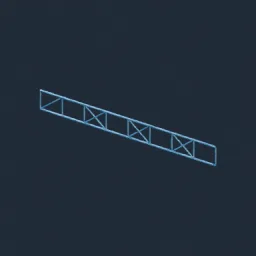
Asset overview
What this node setup does
CURVE INPUT: drop on a curve or connect curve geometry to Path. Use a path with enough length for the chosen spacing. | Railing generator - posts at even spacing along any path or between two points, a top rail in round, square or flat profile, optional bottom and mid rails, and balusters, glass panels or horizontal cables as infill. Balconies, stairs, walkways, decks, bridges.
Source and setup notes
Source asset name: OMNI - Railing Gen
Collection: Modeling/Architecture & Modular
Structural inspection used Blender 5.2.0 LTS. Other releases and render engines require separate checks.
How to approach this asset
- Check the source notes for the expected mesh, curve, field, shader or World context.
- Start with a disposable scene and a suitable input. Inspect required object, material or collection inputs.
- Adjust one documented control at a time. Evaluate the result before using it in a production project.