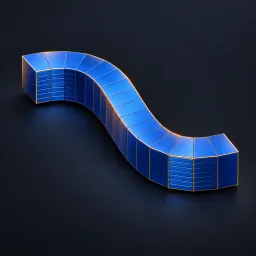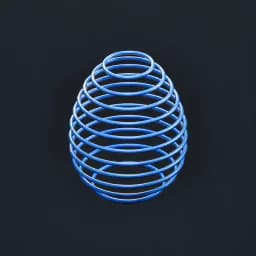
Asset overview
What this node setup does
CLOSED MANIFOLD MESH INPUT. Extracts parallel planar cross-section curves with exact Boolean intersections. Auto Range spans projected bounds with an inset. Plane Rotation is XYZ Euler radians; Origin and manual Start/End are local space. Output Tubes makes mesh previews; disable for raw curves. Writes omni_section_id. Count multiplies Boolean cost. Open/non-manifold inputs and coplanar/tangent slices may fail or return empty contours. No fabrication thickness or filled slices. Bypass restores source. See Precision Modeling Examples scene. AI preview is illustrative.
Source and setup notes
Source asset name: OMNI - Section Contours Pro
Collection: 07 Utilities/Modeling Tools
Structural inspection used Blender 5.2.0 LTS. Other releases and render engines require separate checks.
How to approach this asset
- Check the source notes for the expected mesh, curve, field, shader or World context.
- Start with a disposable scene and a suitable input. Inspect required object, material or collection inputs.
- Adjust one documented control at a time. Evaluate the result before using it in a production project.