Asset overview
What this node setup does
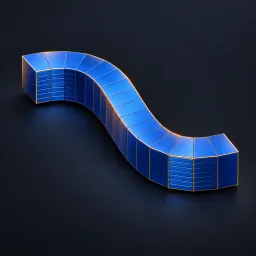
MESH HOST / TWO CURVE OBJECTS. Generates a quad loft between sampled Profile A/B splines. Built-in circles work immediately. Enable Use Curve Objects for relative-space custom profiles; invalid guides return host unchanged. Reverse B fixes opposite directions; Phase B shifts parameter matching. Close U welds sampled endpoints: use closed curves for a seamless result. Open ends remain uncapped. Bow and Blend Smoothness affect interpolation. Polygon loft, not NURBS; mismatched profiles can fold. Material input has an embedded fallback. See Surface Modeling Examples scene. AI preview is illustrative.
Source and setup notes
Source asset name: OMNI - Profile Loft Pro
Collection: 07 Utilities/Modeling Tools
Structural inspection used Blender 5.2.0 LTS. Other releases and render engines require separate checks.
How to approach this asset
- Check the source notes for the expected mesh, curve, field, shader or World context.
- Start with a disposable scene and a suitable input. Inspect required object, material or collection inputs.
- Adjust one documented control at a time. Evaluate the result before using it in a production project.