Asset overview
What this node setup does
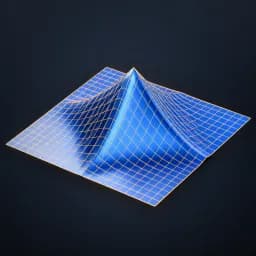
MESH INPUT. Projects vertices onto an ellipsoid or local-Z elliptical cylinder and blends by Strength/Mask. Radii are positive local axis sizes. Optional radial influence falloff. Subdivide for smooth results. A vertex at the center/axis stays in place; casting an open plane stays open. Does not create sphere topology or guarantee volume preservation. Materials retained. Bypass restores source. See Advanced Modeling Examples scene. AI preview is illustrative.
Source and setup notes
Source asset name: OMNI - Sphere Cast Pro
Collection: 07 Utilities/Modeling Tools
Structural inspection used Blender 5.2.0 LTS. Other releases and render engines require separate checks.
How to approach this asset
- Check the source notes for the expected mesh, curve, field, shader or World context.
- Start with a disposable scene and a suitable input. Inspect required object, material or collection inputs.
- Adjust one documented control at a time. Evaluate the result before using it in a production project.