Asset overview
What this node setup does
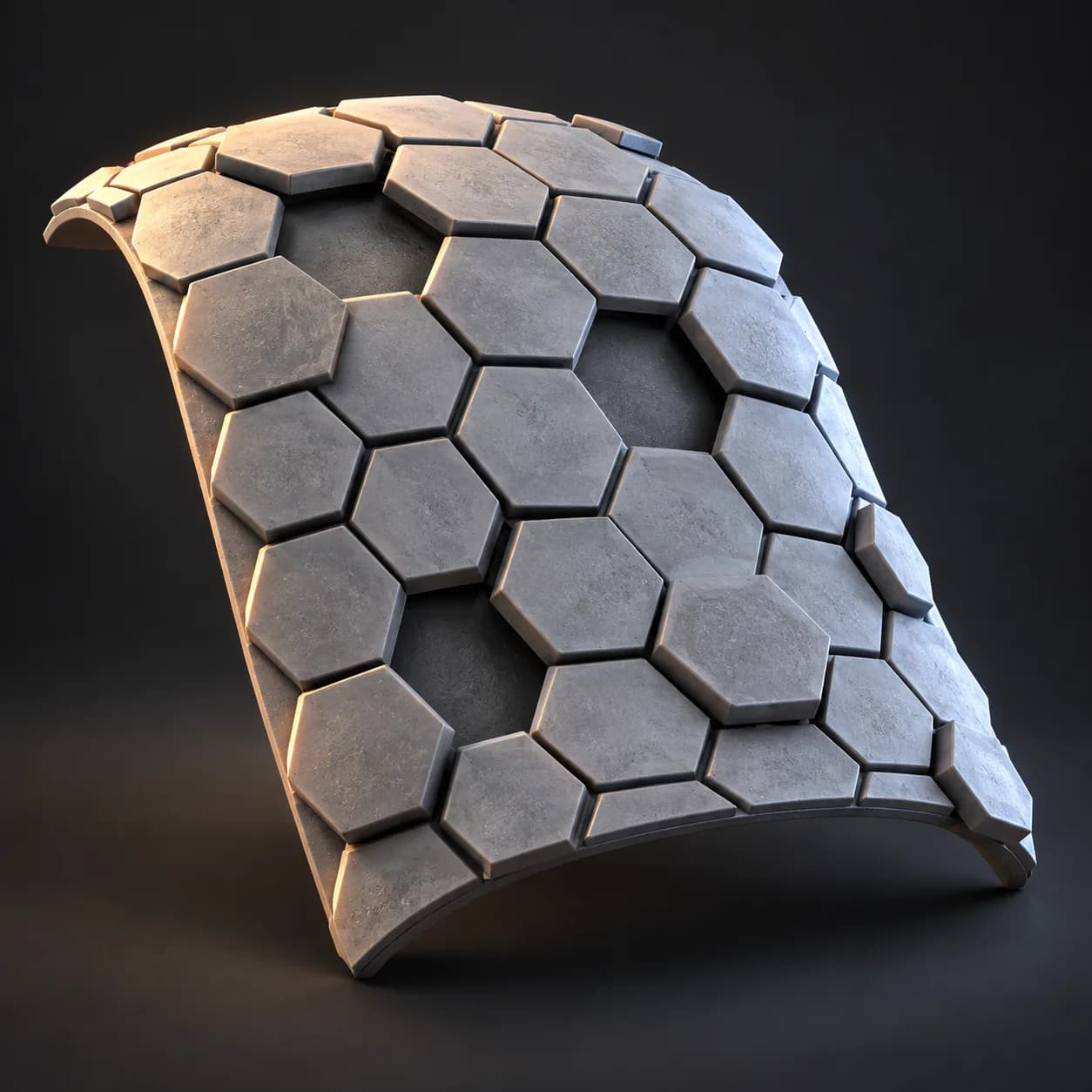
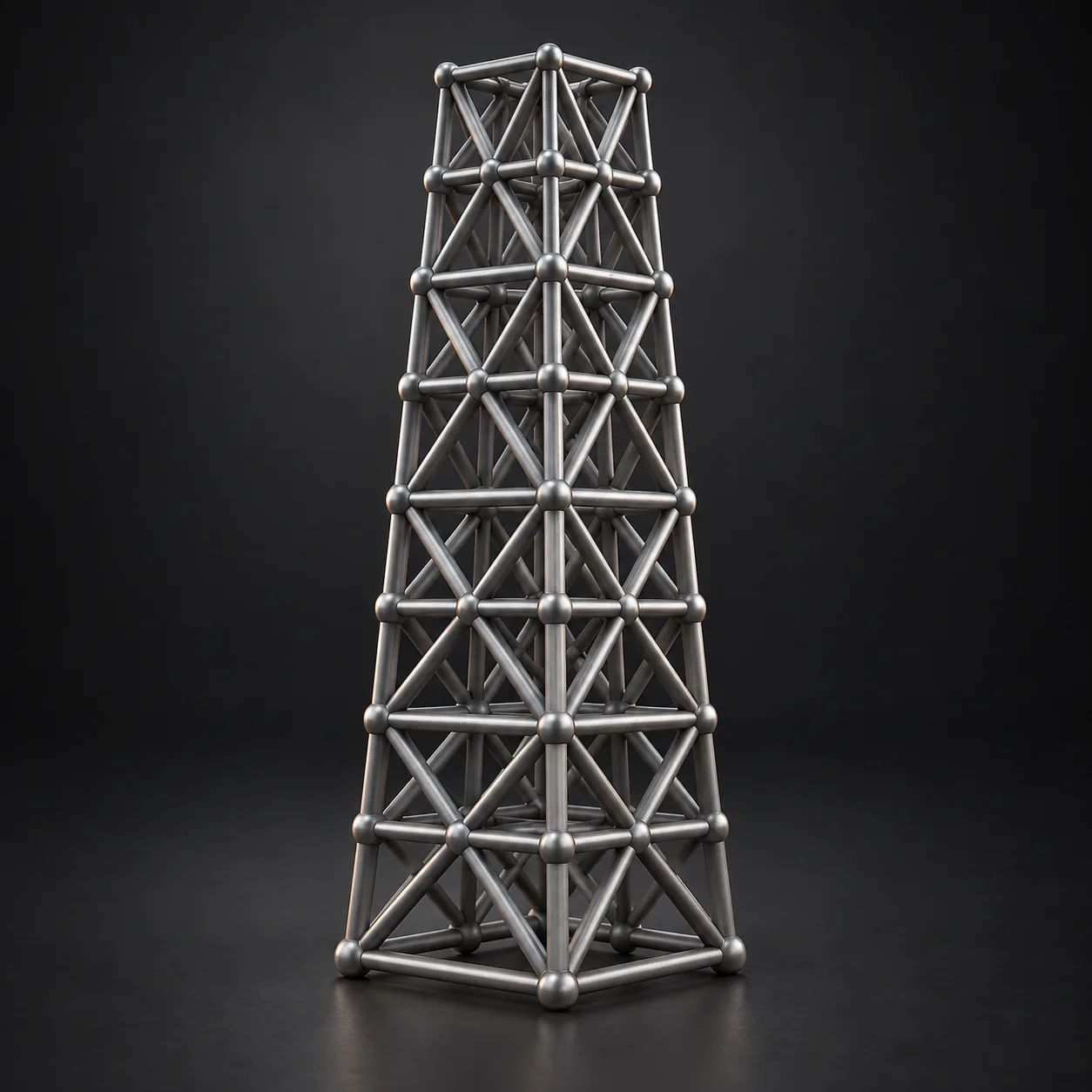
MESH INPUT: drop on a mesh, or feed mesh geometry to Geometry. Apply object scale for predictable distances. | Strut lattice - turns any mesh into a strut-and-joint framework: quad, hexagonal (via dual mesh) or triangular cells, relaxed and inset, struts tapered and shortened at the ends with spheres at the joints. Geodesic domes, sci-fi scaffolds, cages, 3D-print infill.
Source and setup notes
Source asset name: OMNI - Strut Lattice
Collection: Modeling/Panels & Greebles
Structural inspection used Blender 5.2.0 LTS. Other releases and render engines require separate checks.
How to approach this asset
- Check the source notes for the expected mesh, curve, field, shader or World context.
- Start with a disposable scene and a suitable input. Inspect required object, material or collection inputs.
- Adjust one documented control at a time. Evaluate the result before using it in a production project.