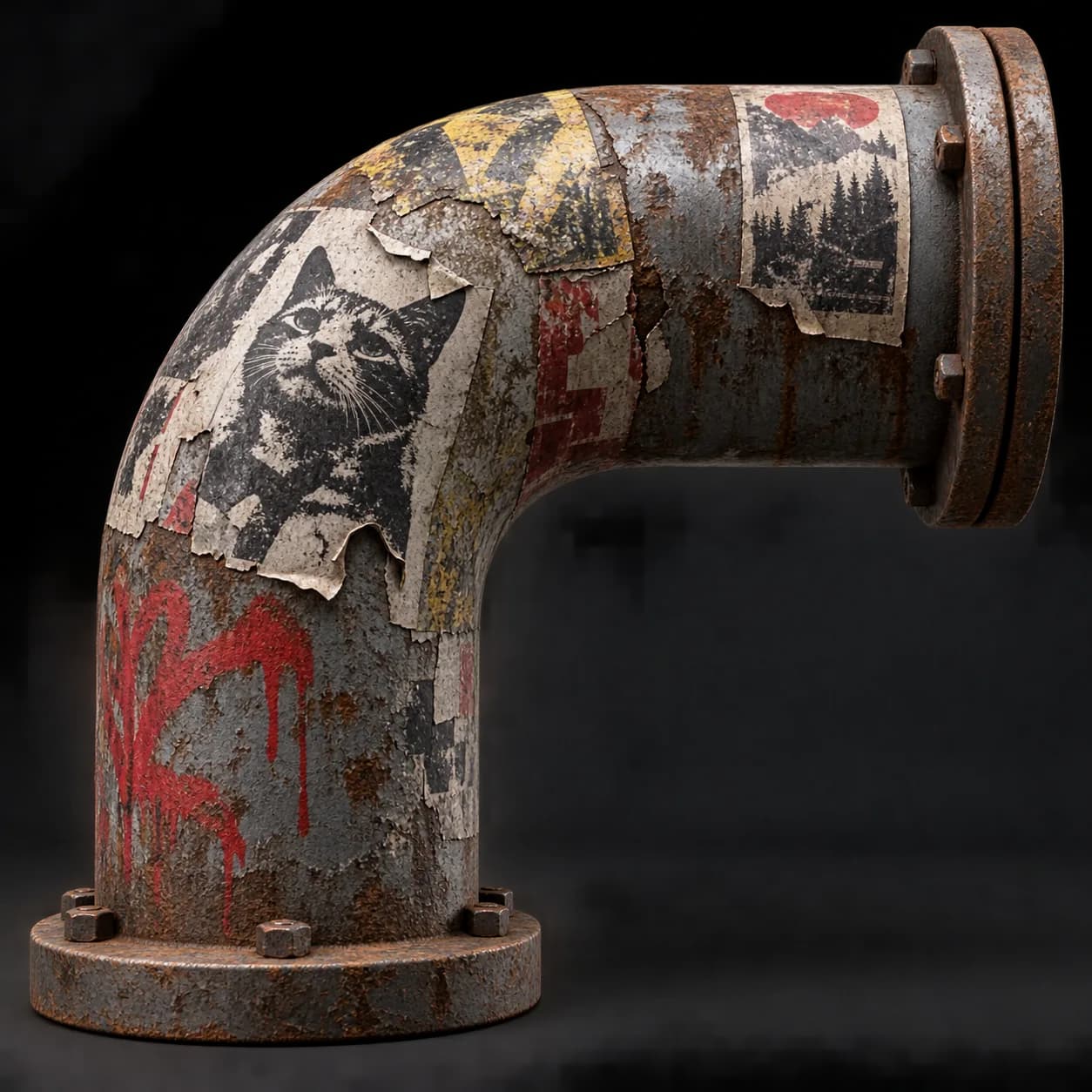
Asset overview
What this node setup does
MESH INPUT: drop on a mesh, or feed mesh geometry to Surface. Apply object scale for predictable distances. | Decal projector - scatters decal cards across any surface and raycasts them onto it, so posters, graffiti, grime, cracks and blood wrap around curvature instead of floating. Filter by slope or facing direction, trim overhang at edges, use your own decal object or a collection, and read the decal UV and ID in the shader.
Source and setup notes
Source asset name: OMNI - Decal Project
Collection: Modeling/Panels & Greebles
Structural inspection used Blender 5.2.0 LTS. Other releases and render engines require separate checks.
How to approach this asset
- Check the source notes for the expected mesh, curve, field, shader or World context.
- Start with a disposable scene and a suitable input. Inspect required object, material or collection inputs.
- Adjust one documented control at a time. Evaluate the result before using it in a production project.