Asset overview
What this node setup does
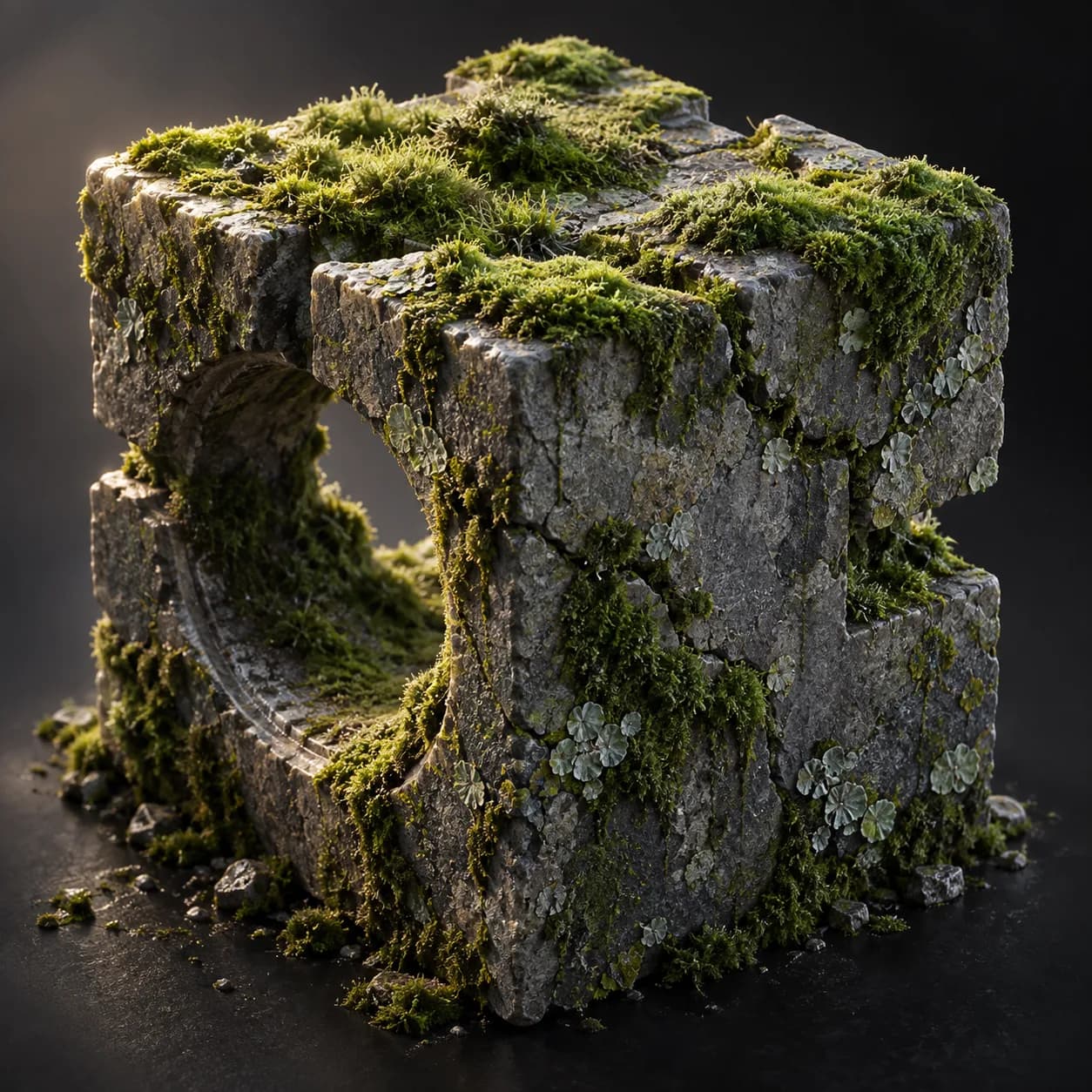
MESH INPUT: drop on a mesh, or feed mesh geometry to Geometry. Apply object scale for predictable distances. | Moss Pro - moss and lichen grow where they would in nature: on upward-facing surfaces, in crevices, in patchy colonies. Fanned tufts stand on the surface normal and lichen discs crust the drier edges of each colony. Three layers - a pure-math growth controller where Grow sweeps coverage in, Dry shrinks the tufts and drives the shader, and the tuft count is estimated from surface area and flagged against a face budget; a surface core consuming only derived values. Max Tufts is an exact cap. Writes NF_moss_mask and NF_moss_wet for shading.
Source and setup notes
Source asset name: OMNI - Moss Pro
Collection: Environment/Trees & Foliage
Structural inspection used Blender 5.2.0 LTS. Other releases and render engines require separate checks.
How to approach this asset
- Check the source notes for the expected mesh, curve, field, shader or World context.
- Start with a disposable scene and a suitable input. Inspect required object, material or collection inputs.
- Adjust one documented control at a time. Evaluate the result before using it in a production project.