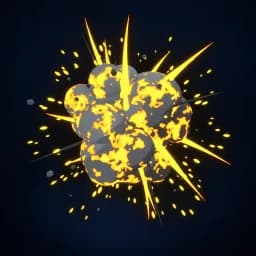
Asset overview
What this node setup does
MESH INPUT: drop on a mesh, or feed mesh geometry to Emitter. Apply object scale for predictable distances. Simulation: play sequentially from the start frame; reset/bake caches after source changes. | Explosion solver - the fire solver fired as a burst: on the blast frame the emitter dumps fuel and heat and throws the velocity field outward at blast speed, biased upward and roughened by noise. The fireball burns, rises and rolls into a smoke column; afterburn keeps embers going. Real fluid solve, native volume.
Source and setup notes
Source asset name: OMNI - Explosion Solver
Collection: VFX/Explosions
Structural inspection used Blender 5.2.0 LTS. Other releases and render engines require separate checks.
How to approach this asset
- Check the source notes for the expected mesh, curve, field, shader or World context.
- Start with a disposable scene and a suitable input. Inspect required object, material or collection inputs.
- Adjust one documented control at a time. Evaluate the result before using it in a production project.