Asset overview
What this node setup does
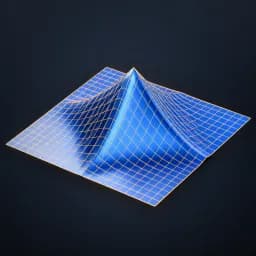
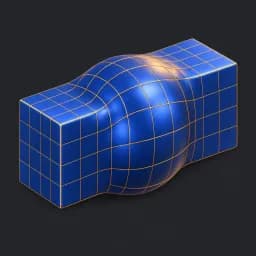
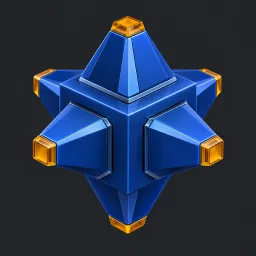
Mesh input. Extrudes selected faces individually along normals, then scales each top to form tapered peaks. Height and Selection accept fields. Top Scale stays above zero to avoid collapsed caps. Adjacent extrusions may intersect. Bypass restores source; topology changes. AI preview illustrates the operation; supply your own mesh. See Modeling Utilities Examples scene.
Source and setup notes
Source asset name: OMNI - Face Peaks Pro
Collection: 07 Utilities/Modeling Tools
Structural inspection used Blender 5.2.0 LTS. Other releases and render engines require separate checks.
How to approach this asset
- Check the source notes for the expected mesh, curve, field, shader or World context.
- Start with a disposable scene and a suitable input. Inspect required object, material or collection inputs.
- Adjust one documented control at a time. Evaluate the result before using it in a production project.