Asset overview
What this node setup does
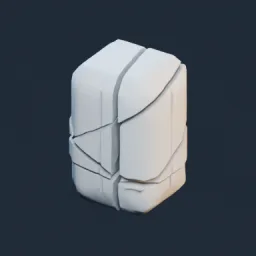
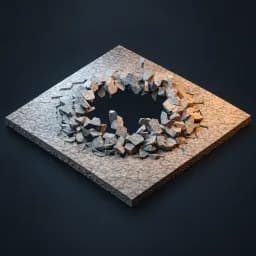
DROP ON MESH: input is an optional impact-proximity guide; built-in 634-piece floor is included. Auto Play uses scene seconds; Time is manual seconds after Start Time. Enable custom collection for prefractured chunks with centered origins. Local XY floor, Z up. Art-directed ballistic animation; no chunk collisions or new fracture generation. Concrete auto-applies; disable to retain original PBR. See Floor Rupture GUIDE. AI thumbnail is illustrative. Example scene and guide included. LIVE OBJECT: enable Live Interactor and pick a separate mesh in Interactor Object. Move it in Object Mode; the floor stays fixed. Reversible proximity effect, no persistent damage/collisions.
Source and setup notes
Source asset name: OMNI - Floor Rupture Pro
Collection: VFX/Floor Rupture
Structural inspection used Blender 5.2.0 LTS. Other releases and render engines require separate checks.
How to approach this asset
- Check the source notes for the expected mesh, curve, field, shader or World context.
- Start with a disposable scene and a suitable input. Inspect required object, material or collection inputs.
- Adjust one documented control at a time. Evaluate the result before using it in a production project.