Asset overview
What this node setup does
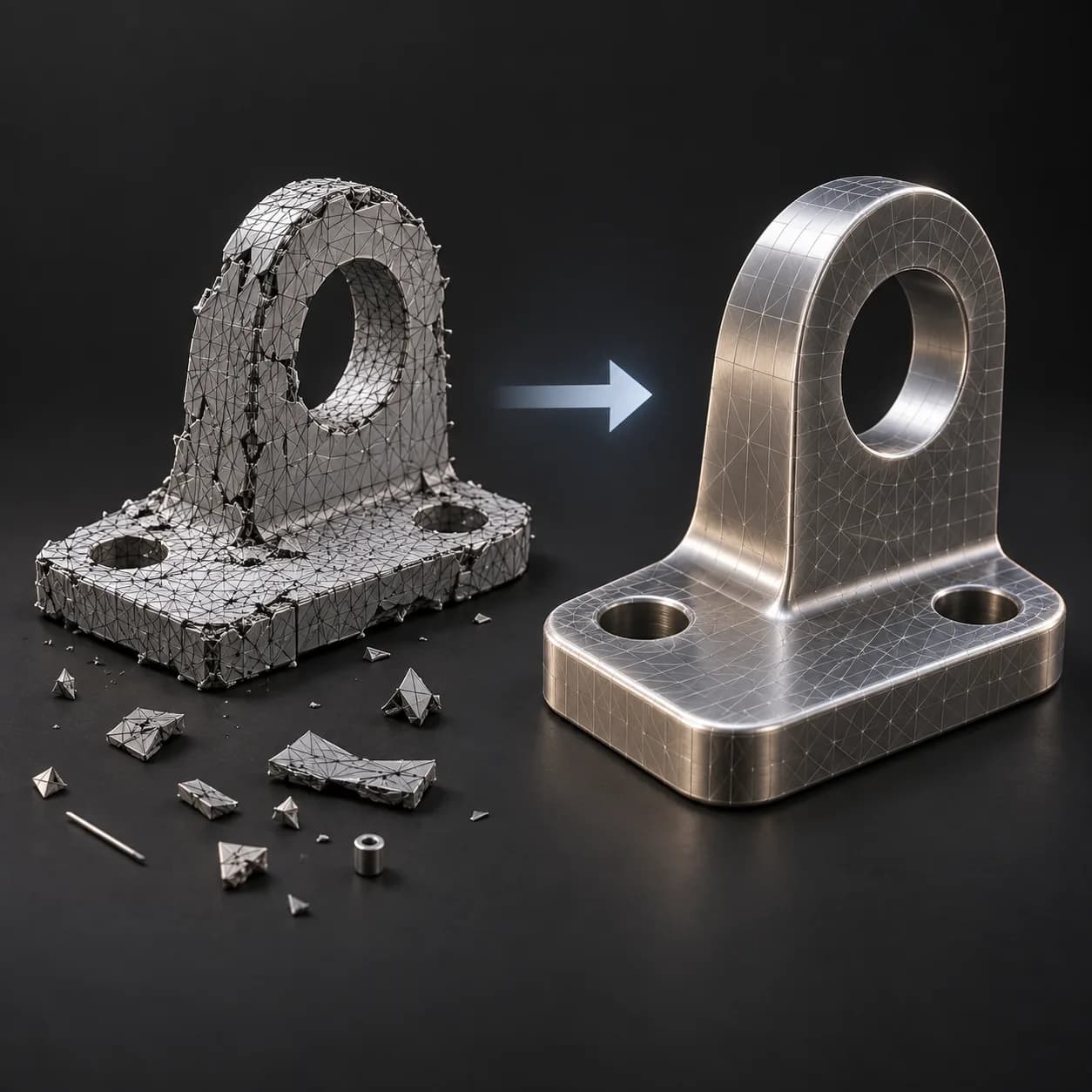
MESH INPUT: drop on a mesh, or feed mesh geometry to Geometry. Apply object scale for predictable distances. | Smart Remesh Pro - rebuilds any mesh as an even all-quad surface. Voxelises the model as a signed-distance solid at a voxel size derived from your Target Faces and the model's own surface area, then one Catmull-Clark pass turns every face into a quad, relaxes the grid, projects every vertex back onto the original surface so no volume is lost, and holds vertices hard where the source has sharp edges. Hard Surface, Organic and Balanced modes trade edge fidelity against smoothness. Reports the measured quad ratio, face count, and whether the target exceeds the face budget.
Source and setup notes
Source asset name: OMNI - Remesh Pro
Collection: Volume & SDF Grids/Voxelize & Remesh
Structural inspection used Blender 5.2.0 LTS. Other releases and render engines require separate checks.
How to approach this asset
- Check the source notes for the expected mesh, curve, field, shader or World context.
- Start with a disposable scene and a suitable input. Inspect required object, material or collection inputs.
- Adjust one documented control at a time. Evaluate the result before using it in a production project.