Asset overview
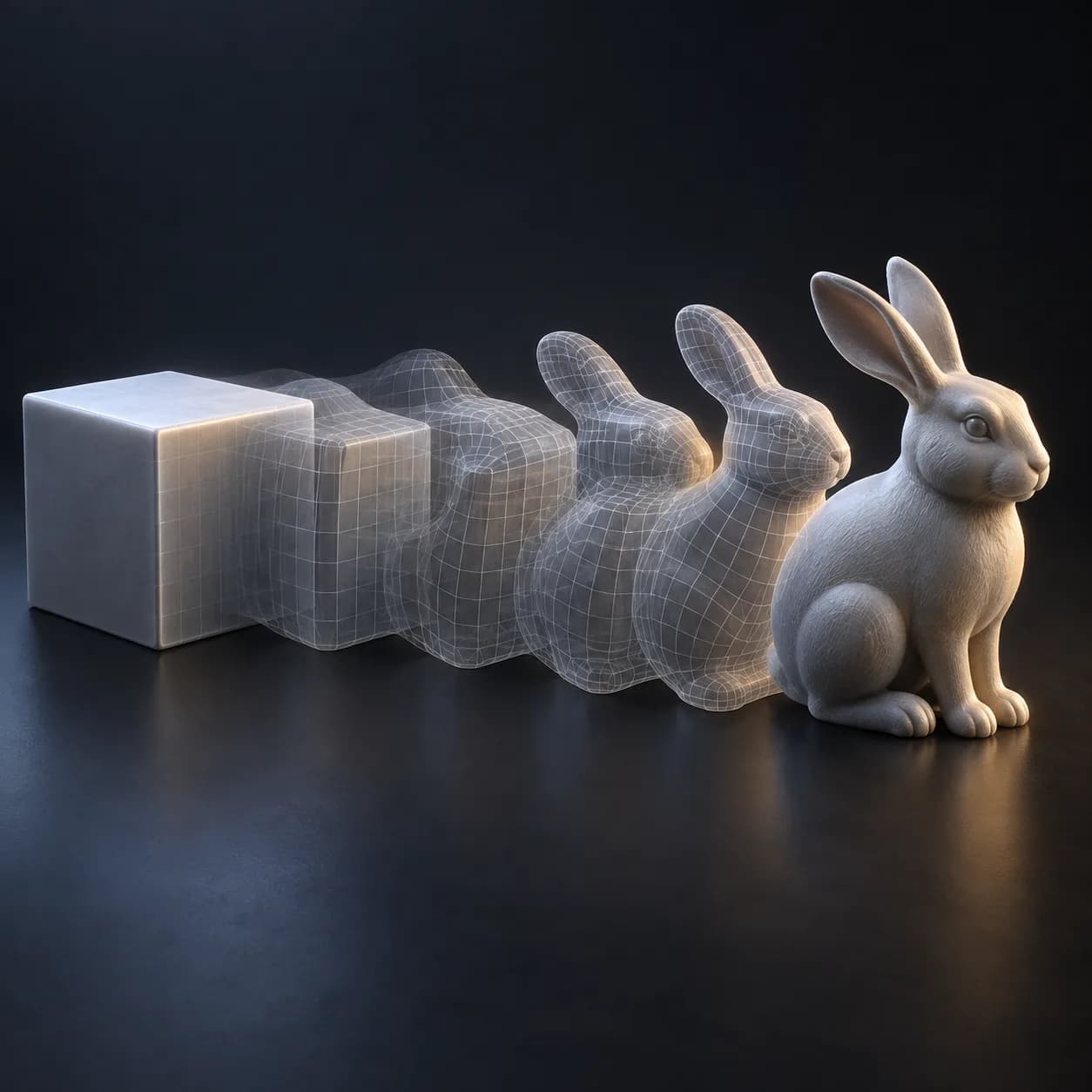
What this node setup does
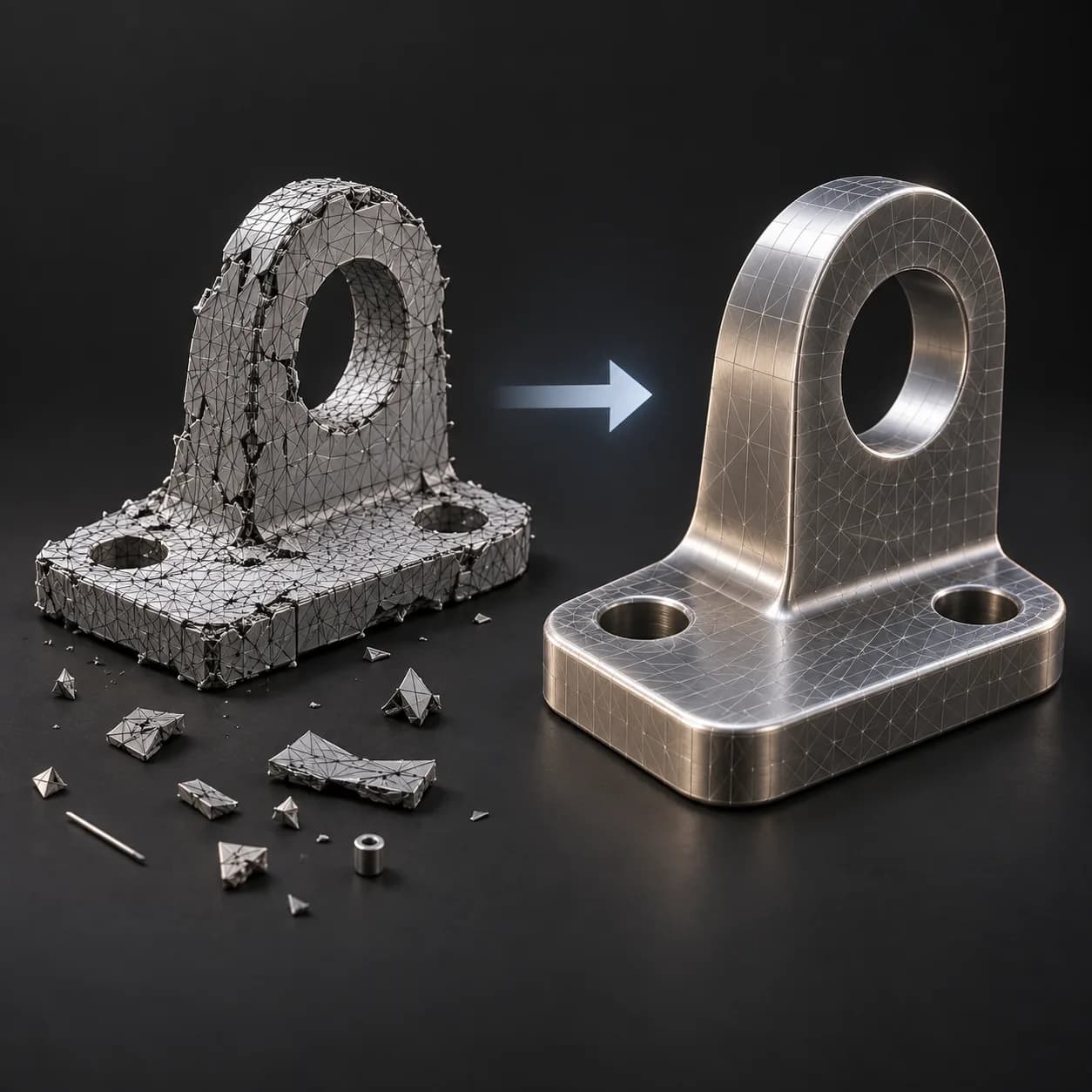
MESH INPUT: drop on a mesh, or feed mesh geometry to Geometry. Apply object scale for predictable distances. | Clean Pro - controllable welding and cleanup on the new 5.2 merge building blocks. Cluster by Distance decides what may weld to what, scoped Anywhere, Per Island so separate parts never fuse, or Per Group from an attribute you supply. Then loose parts smaller than a fraction of the model are dropped and zero-area faces removed. Distance is relative to the model's own diagonal by default and hard-capped so a wrong value can never collapse the mesh. Reports exactly how many verts were merged, how many were loose, and how many faces were degenerate.
Source and setup notes
Source asset name: OMNI - Clean Pro
Collection: Mesh/Topology
Structural inspection used Blender 5.2.0 LTS. Other releases and render engines require separate checks.
How to approach this asset
- Check the source notes for the expected mesh, curve, field, shader or World context.
- Start with a disposable scene and a suitable input. Inspect required object, material or collection inputs.
- Adjust one documented control at a time. Evaluate the result before using it in a production project.