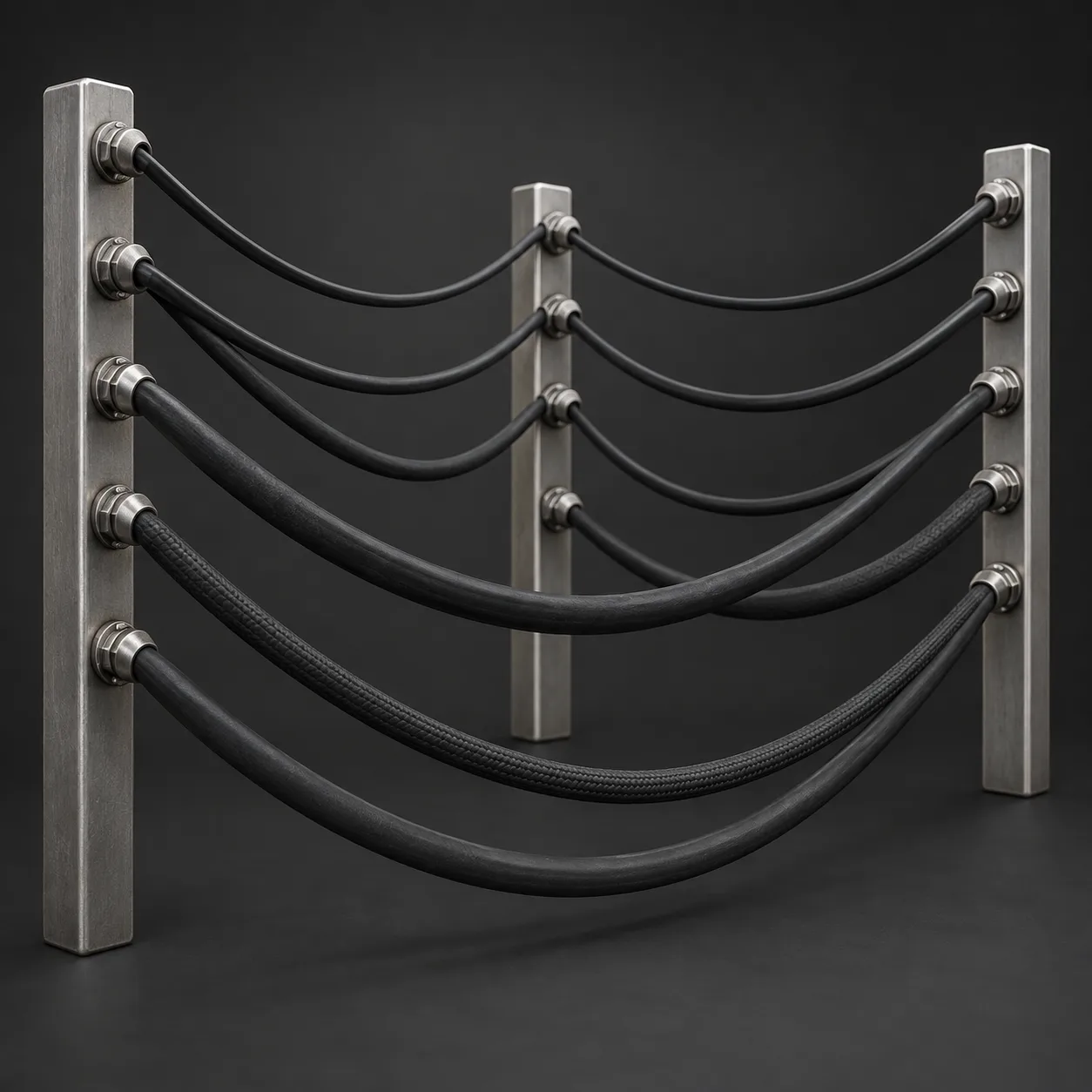
Asset overview
What this node setup does
CURVE INPUT: drop on a curve or connect curve geometry to Geometry. Use a path with enough length for the chosen spacing. | Complete stitched seam finish: seven thread patterns, continuous backing tape, dual edge piping, independent materials, automatic end clearance, thread variation and synchronized trimming. Editable curve-driven geometry; no external textures or simulation.
Source and setup notes
Source asset name: OMNI - Stitch Seam Pro
Collection: Curve/Profiles & Sweep
Structural inspection used Blender 5.2.0 LTS. Other releases and render engines require separate checks.
How to approach this asset
- Check the source notes for the expected mesh, curve, field, shader or World context.
- Start with a disposable scene and a suitable input. Inspect required object, material or collection inputs.
- Adjust one documented control at a time. Evaluate the result before using it in a production project.