Asset overview
What this node setup does
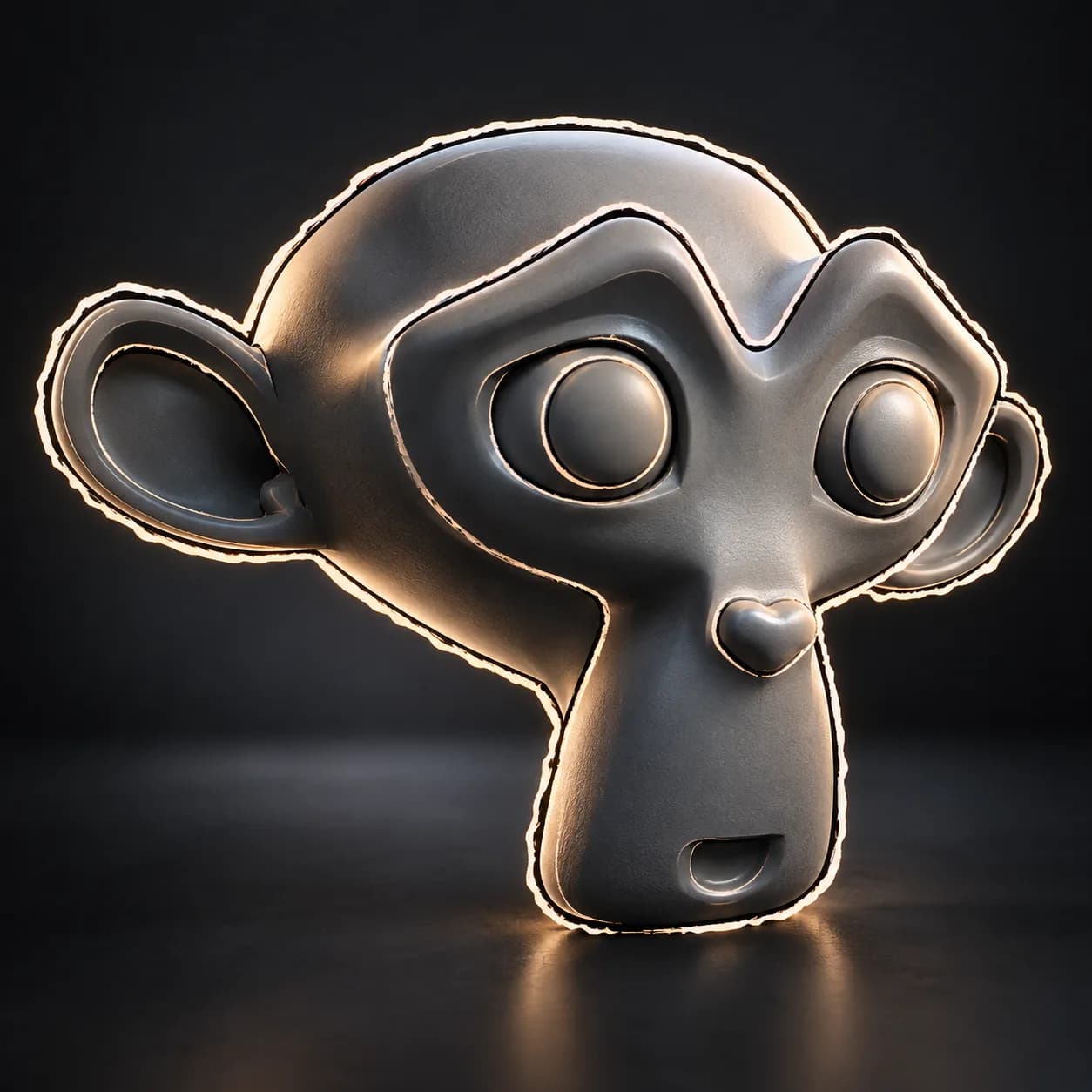
MESH / INSTANCES: drop onto a mesh; Realize Instances supports instanced meshes. Apply scale for predictable widths. Separate Outline output contains silhouette + enabled interior strokes. Enable Interior Lines for crease/border ink; use Line Material for these strokes and a backface-aware Outline Material for the hull. Constant Screen Width is distance-relative perspective compensation, not exact pixel width; enable Orthographic Camera for orthographic views. Painted Selection/Mask, width cap, depth fade, stepped boil, camera override and independent stroke controls. Cycles and Eevee rendered/material view; solid view shows hull geometry.
Source and setup notes
Source asset name: OMNI - Dynamic Outline
Collection: VFX/Stylized & Magic FX
Structural inspection used Blender 5.2.0 LTS. Other releases and render engines require separate checks.
How to approach this asset
- Check the source notes for the expected mesh, curve, field, shader or World context.
- Start with a disposable scene and a suitable input. Inspect required object, material or collection inputs.
- Adjust one documented control at a time. Evaluate the result before using it in a production project.