Asset overview
What this node setup does
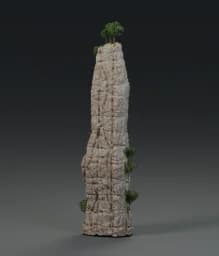
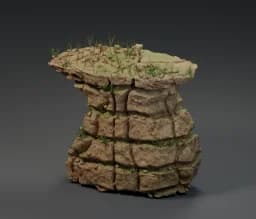
Non-destructive mesh-to-cliff conversion. Edit or extrude the input mesh; adaptive broken strata, warped joints, protected sculpting, native repeated weathering, ledge pebbles, grass and branched leafy shrubs regenerate. Angled cleavage planes, 3D fractured plates and embedded angular shards. Four new packed Poly Haven scans; no cached source cliff.
Source and setup notes
Source asset name: OMNI - Mesh to Jagged Cliff Pro
Collection: Environment/Rocks & Cliffs
Structural inspection used Blender 5.2.0 LTS. Other releases and render engines require separate checks.
How to approach this asset
- Check the source notes for the expected mesh, curve, field, shader or World context.
- Start with a disposable scene and a suitable input. Inspect required object, material or collection inputs.
- Adjust one documented control at a time. Evaluate the result before using it in a production project.