Asset overview
What this node setup does
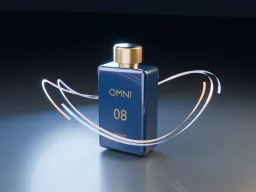
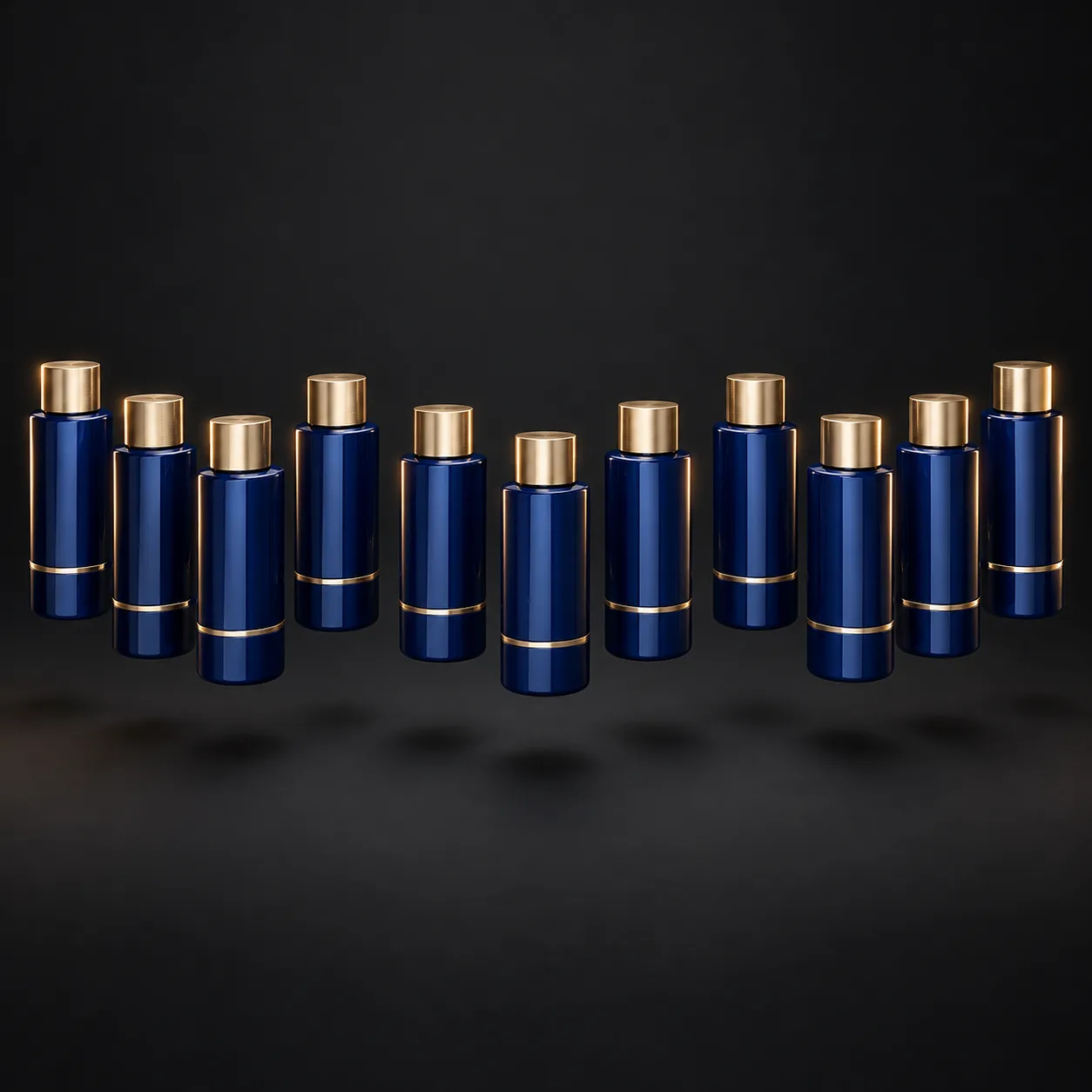
MESH PRODUCT INPUT. Whole-product copies follow one sampled curve spline. Built-in circle works immediately; enable Use Guide for a curve object in relative space. Cyclic guides loop; open guides teleport at the wrap. Tangent aligns local +X. Missing/invalid curve returns original product. Not curve deformation or a conveyor mesh. Seconds, local units and XYZ radians. Preserves source materials. No collision simulation. Bypass restores input. See Motion Expansion Examples scene. AI preview is illustrative.
Source and setup notes
Source asset name: OMNI - Path Parade Pro
Collection: 08 Motion Graphics/Product Animation
Structural inspection used Blender 5.2.0 LTS. Other releases and render engines require separate checks.
How to approach this asset
- Check the source notes for the expected mesh, curve, field, shader or World context.
- Start with a disposable scene and a suitable input. Inspect required object, material or collection inputs.
- Adjust one documented control at a time. Evaluate the result before using it in a production project.