Asset overview
What this node setup does
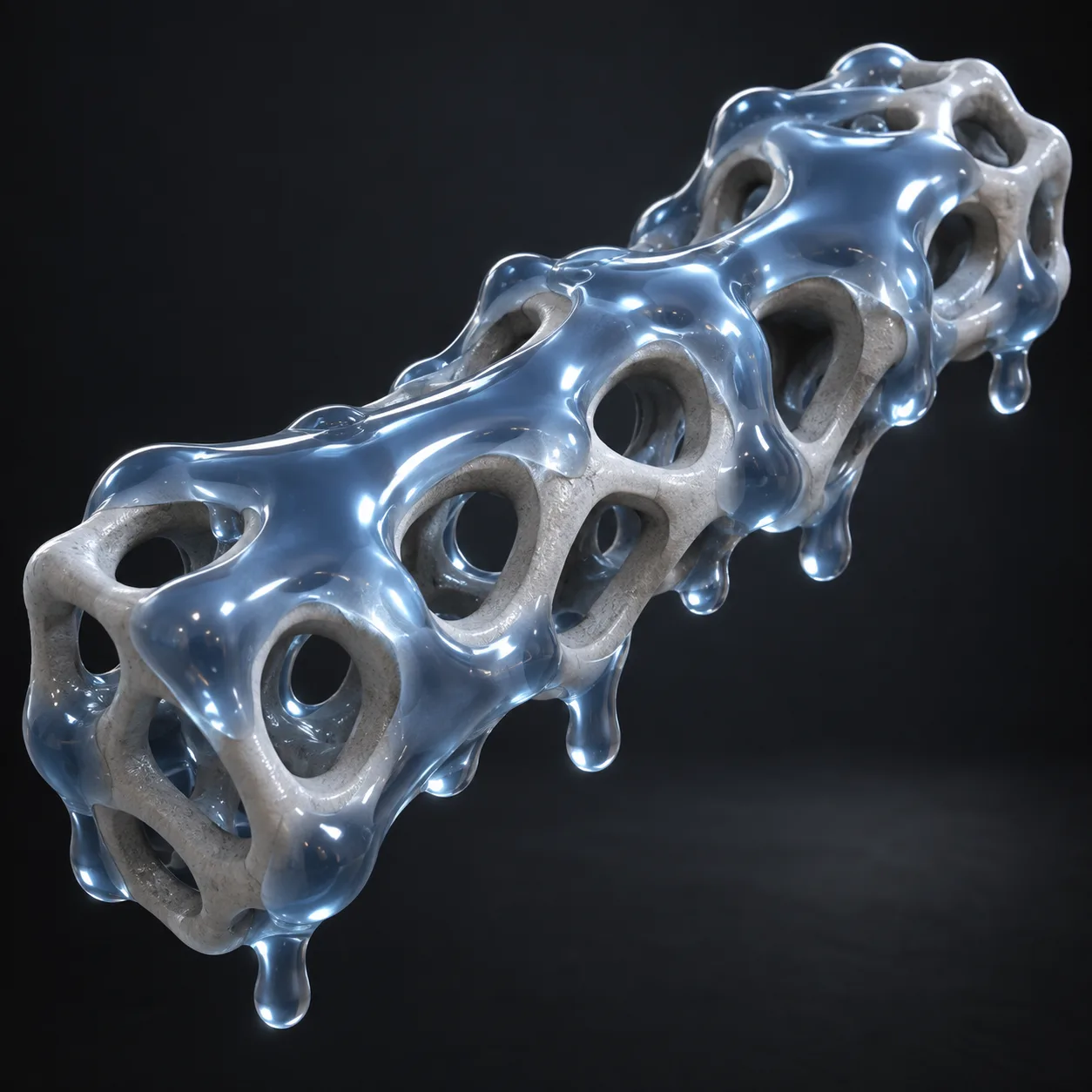
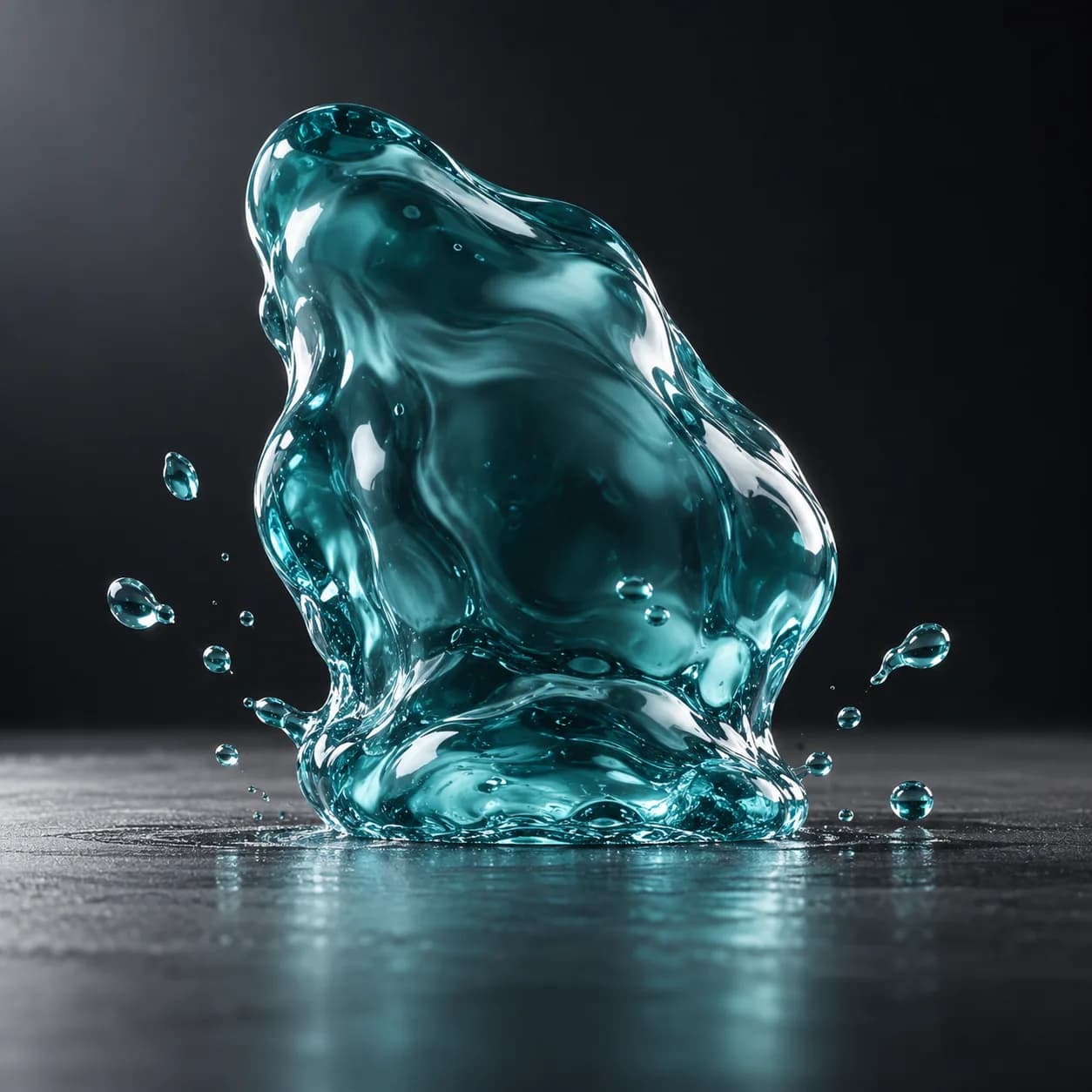
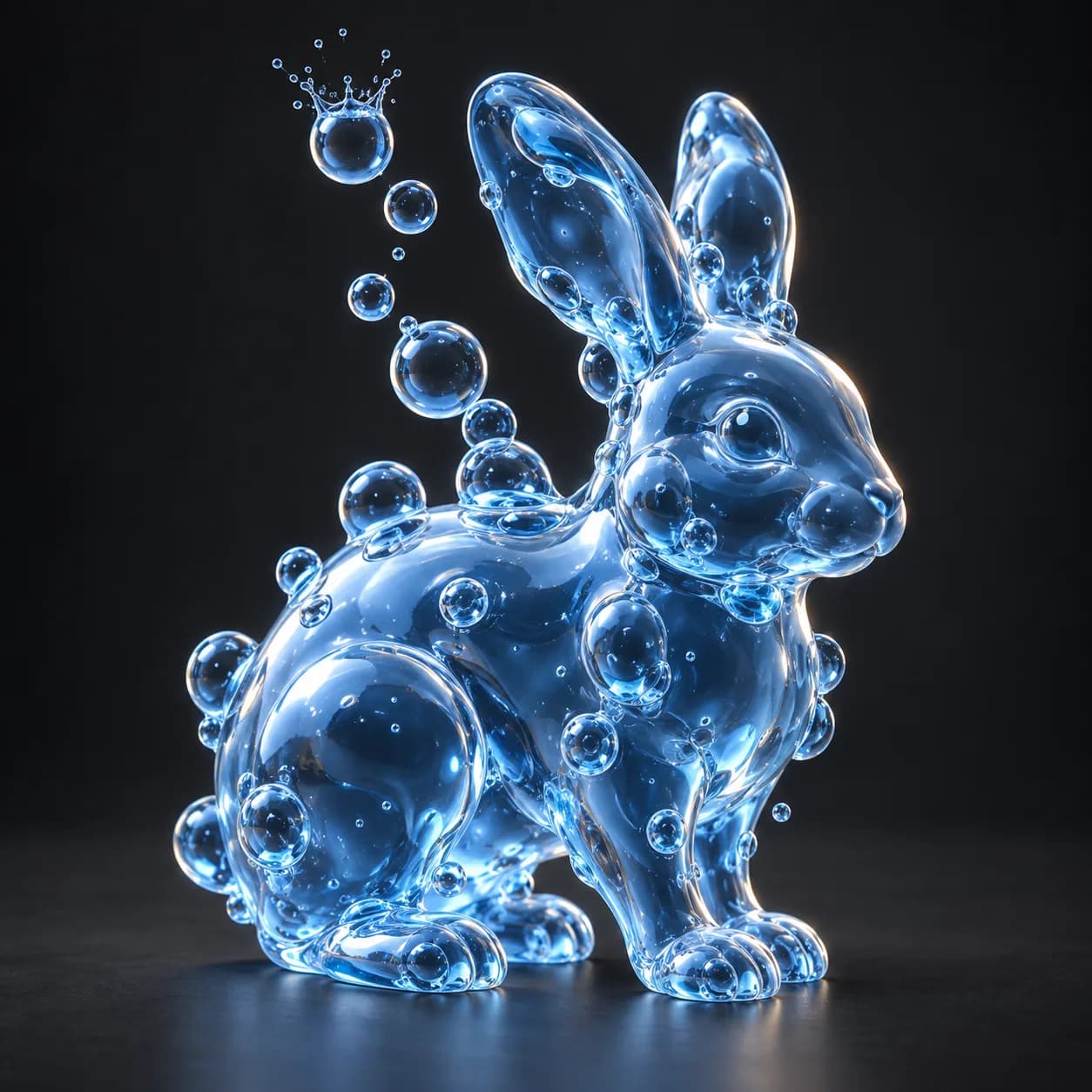
MESH INPUT: drop on a mesh, or feed mesh geometry to Geometry. Apply object scale for predictable distances. | Liquid Bubble - turns any mesh into rising, fusing, popping liquid bubbles. Bubbles seed on the surface or through the volume, rise and wobble, merge into one skin via the SDF chain, and swell then pop at the end of their life. No solver, no baking, fully scrubbable. Fuse With Body is experimental: the SDF union clips to the body's bounds.
Source and setup notes
Source asset name: OMNI - Liquid Bubble
Collection: Physics & Solvers/Fluid & Grain
Structural inspection used Blender 5.2.0 LTS. Other releases and render engines require separate checks.
How to approach this asset
- Check the source notes for the expected mesh, curve, field, shader or World context.
- Start with a disposable scene and a suitable input. Inspect required object, material or collection inputs.
- Adjust one documented control at a time. Evaluate the result before using it in a production project.