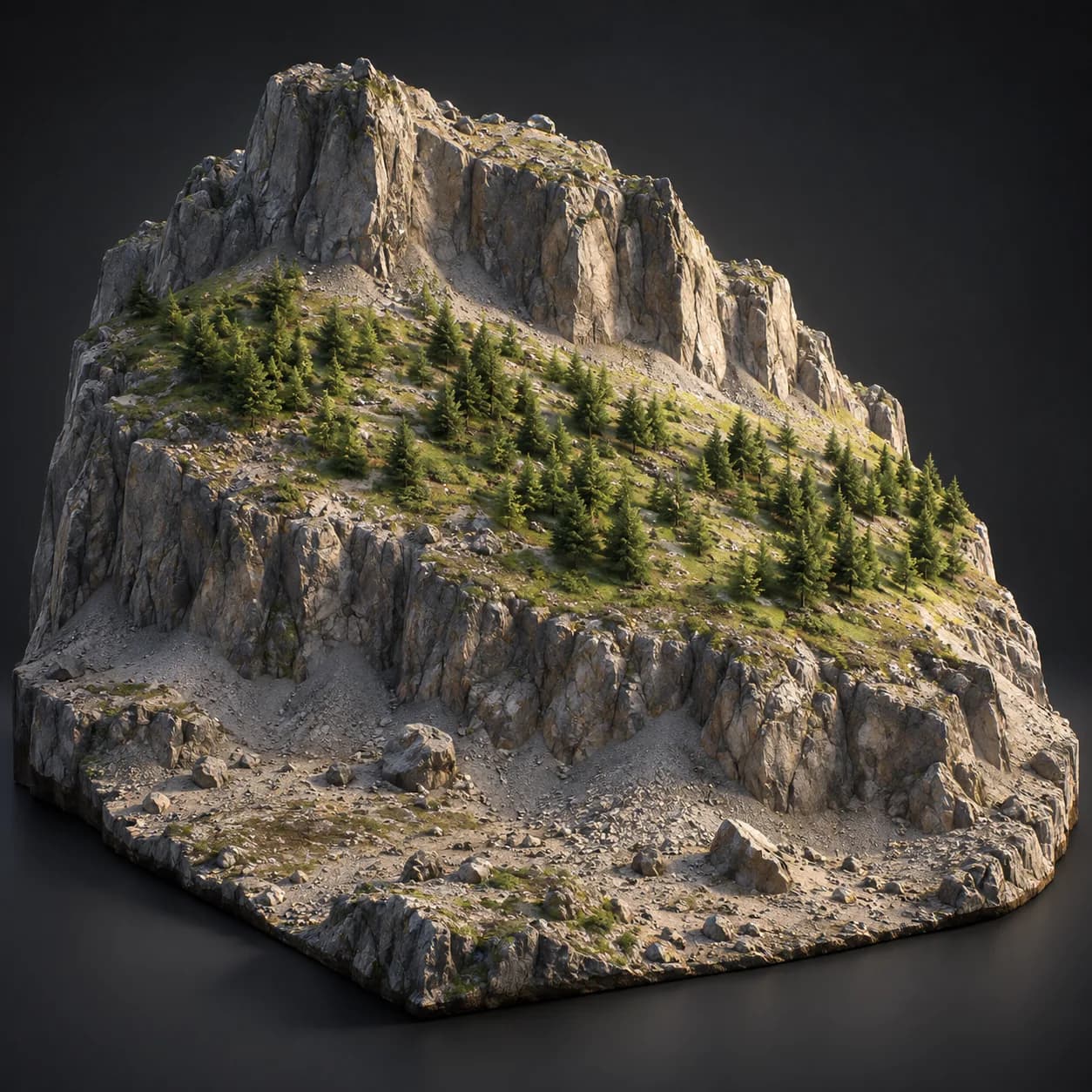
Asset overview
What this node setup does
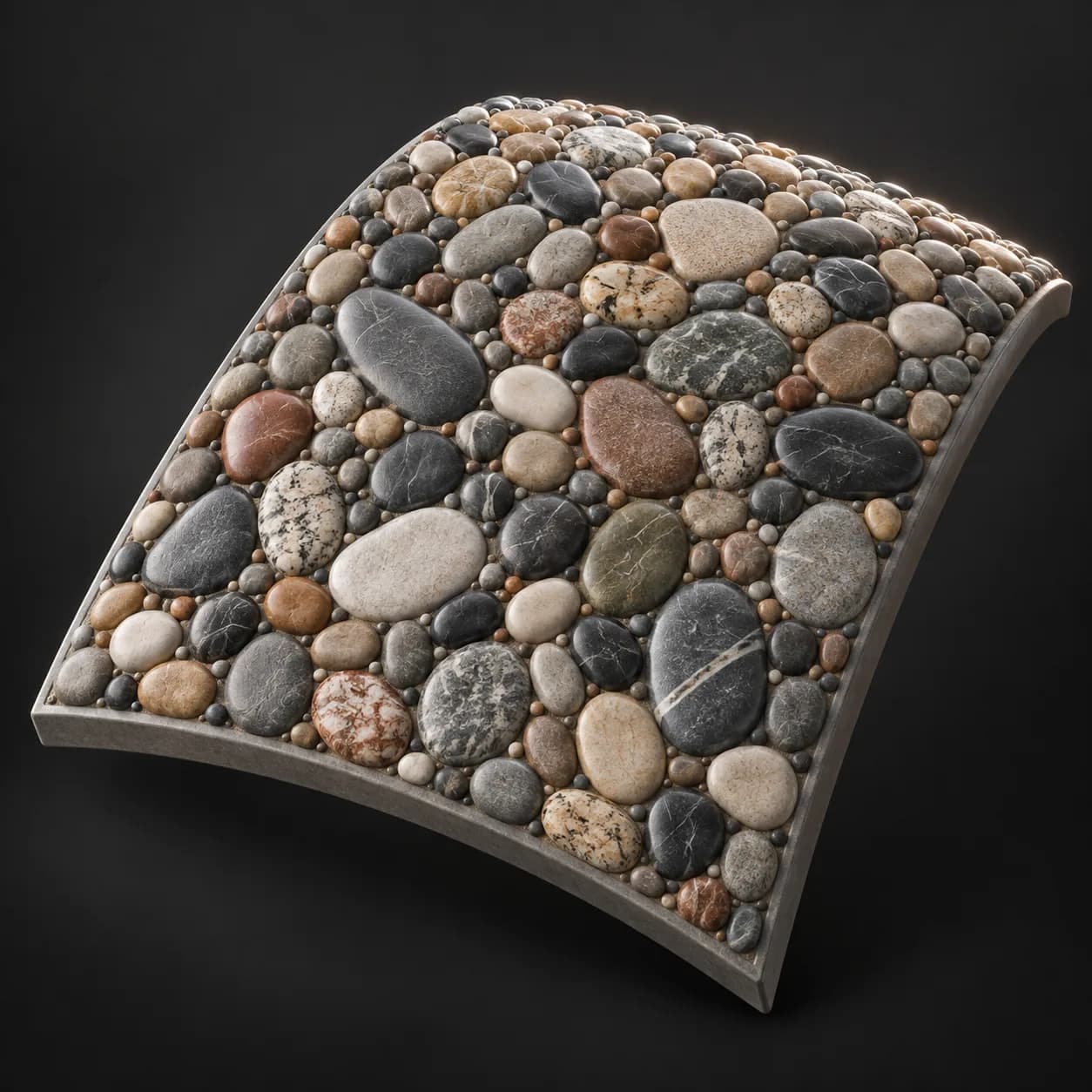
MESH INPUT: drop on a mesh, or feed mesh geometry to Geometry. Apply object scale for predictable distances. | Pack Scatter Pro - scatter that never overlaps. Every point gets its own radius, then a relaxation loop pushes overlapping pairs apart along the line between them and re-sticks them to the surface each step, and anything still clashing is rejected with the larger disc always winning. Oversampling seeds more candidates than needed so the packing has room to settle. The controller reports the theoretical maximum from the hexagonal packing limit, so you can see how close to full the result is. Instances scale to their own packed radius, so nothing ever interpenetrates.
Source and setup notes
Source asset name: OMNI - Pack Scatter Pro
Collection: Points & Instances/Distribute & Scatter
Structural inspection used Blender 5.2.0 LTS. Other releases and render engines require separate checks.
How to approach this asset
- Check the source notes for the expected mesh, curve, field, shader or World context.
- Start with a disposable scene and a suitable input. Inspect required object, material or collection inputs.
- Adjust one documented control at a time. Evaluate the result before using it in a production project.