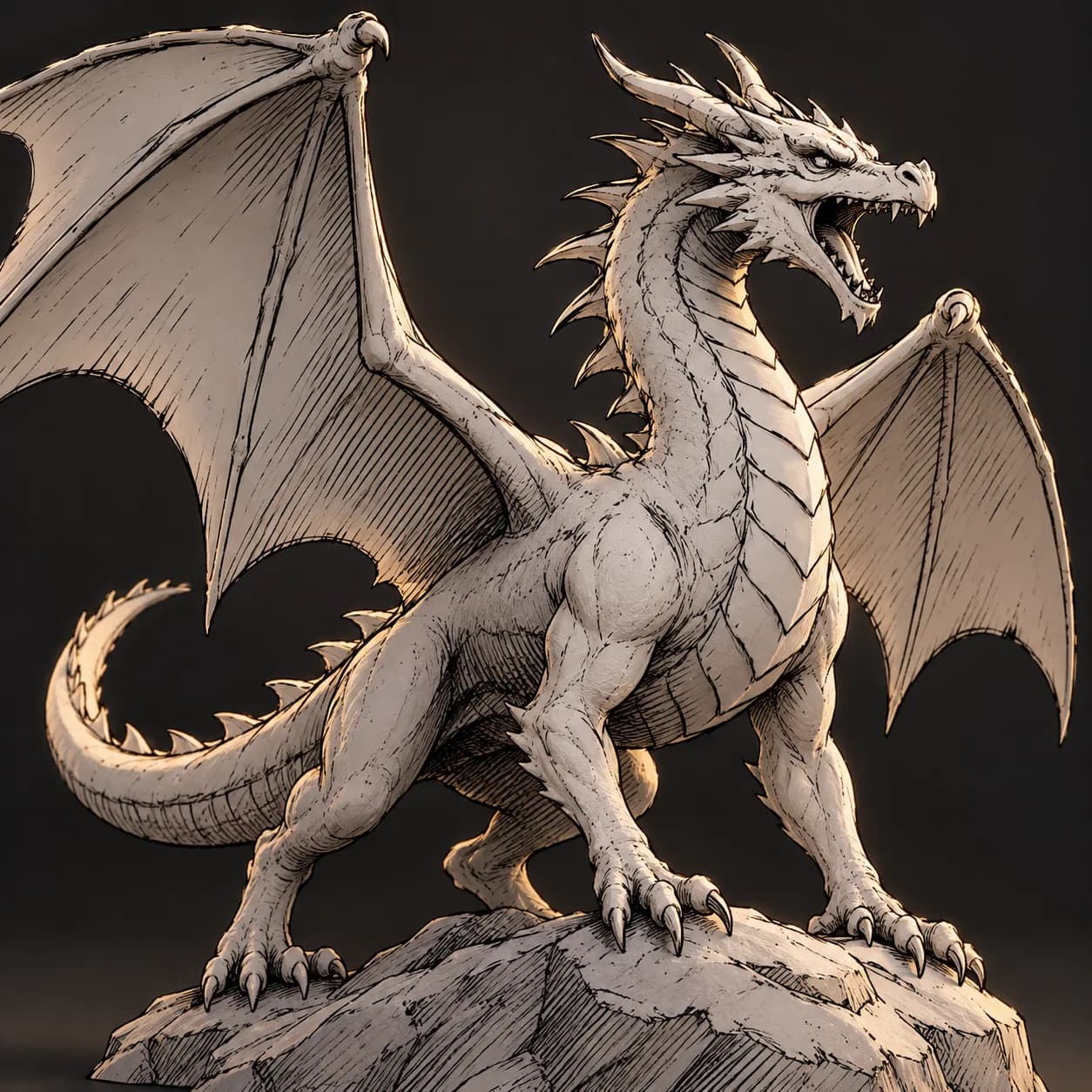
Asset overview
What this node setup does
MESH INPUT: drop on a mesh, or feed mesh geometry to Geometry. Apply object scale for predictable distances. | Ink lines - extracts creases, open borders, marked edges and camera-facing silhouettes from any mesh, adds hatching on the shadow side, gives every stroke hand-drawn taper, width variation and wobble, and outputs native Grease Pencil strokes, curves, or a tube mesh. Line type is tagged for per-line styling.
Source and setup notes
Source asset name: OMNI - Ink Lines
Collection: Material & Color/Stylized & NPR
Structural inspection used Blender 5.2.0 LTS. Other releases and render engines require separate checks.
How to approach this asset
- Check the source notes for the expected mesh, curve, field, shader or World context.
- Start with a disposable scene and a suitable input. Inspect required object, material or collection inputs.
- Adjust one documented control at a time. Evaluate the result before using it in a production project.


