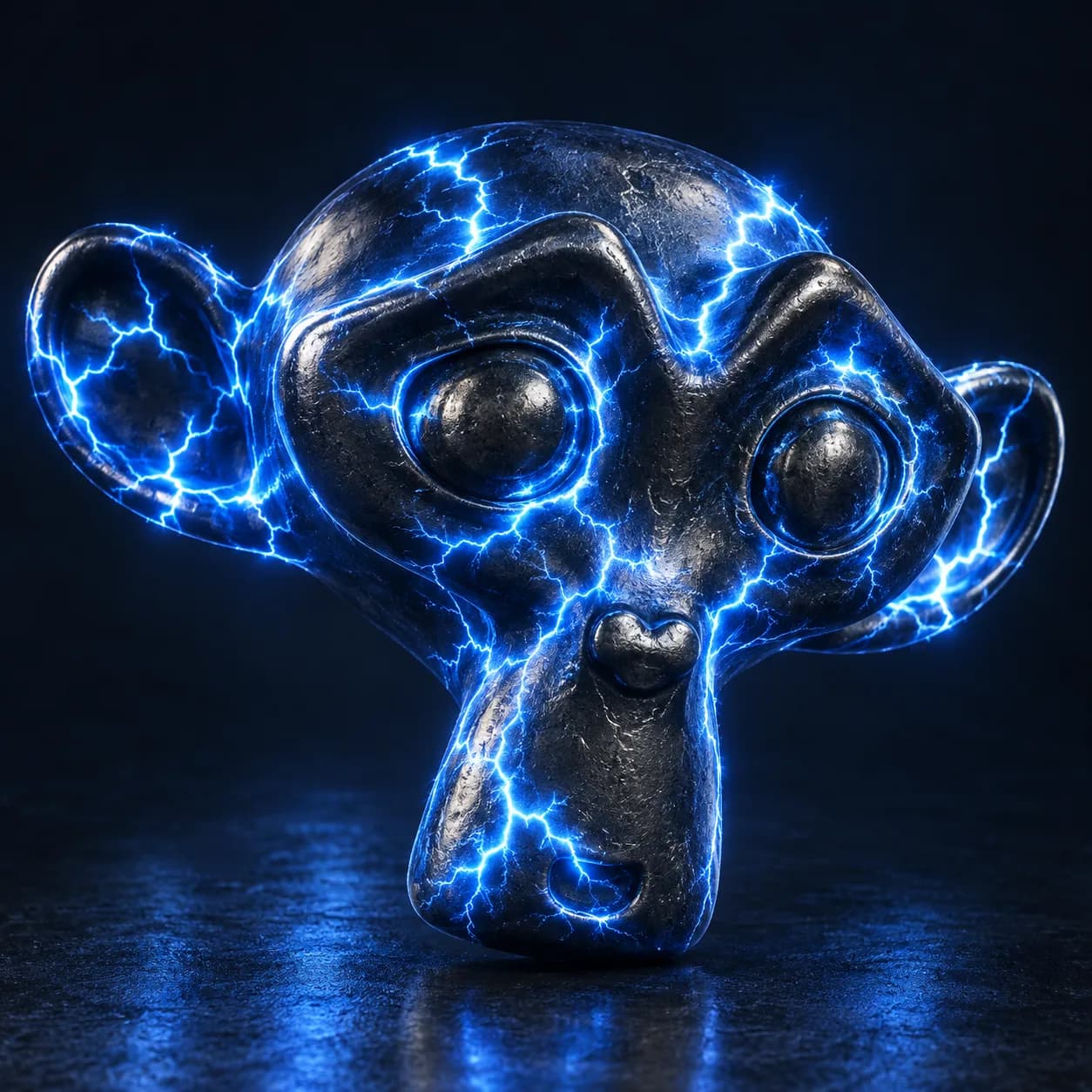
Asset overview
What this node setup does
MESH HOST: drop onto any mesh to replace it with lightning. Nine styles via Style menu. CURVE: enable Use Input Curve in Strike mode to follow a spline. Time controls are seconds; Timed Strike adds growth, decay and rest intervals, Manual Time enables scrubbing. Glow Color/Core Color/Glow Strength drive the bundled plasma; Material overrides it. Cycles and Eevee. Glow requires OMNI - Lightning VFX Bloom compositor (included in showcase). Length is relative reach, not meters; Apply Scale for consistent tube size. Geometry first output. No simulation cache required.
Source and setup notes
Source asset name: OMNI - Lightning VFX Pro
Collection: 02 VFX/Electricity & Lightning
Structural inspection used Blender 5.2.0 LTS. Other releases and render engines require separate checks.
How to approach this asset
- Check the source notes for the expected mesh, curve, field, shader or World context.
- Start with a disposable scene and a suitable input. Inspect required object, material or collection inputs.
- Adjust one documented control at a time. Evaluate the result before using it in a production project.